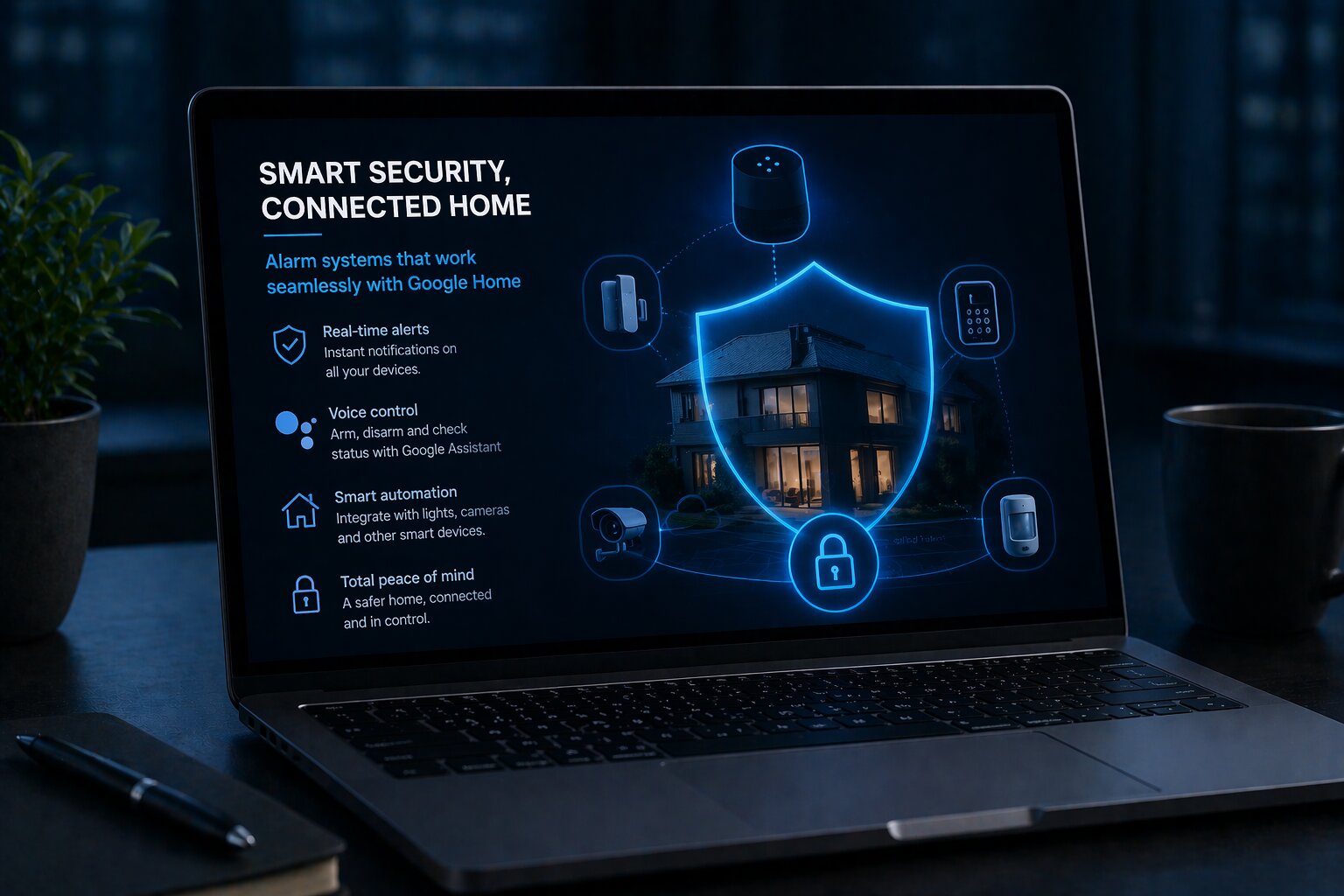
Finding Alarm Systems Compatible With Google Home
As smart home technology becomes more integrated, many homeowners are looking for ways to connect security systems with the digital platforms they already use every day. Google Home has become one of the most widely recognised smart home ecosystems, giving users voice control, automation, and centralised management across a growing number of connected devices. For those building a smarter and more responsive home, the question is no longer simply whether to install an alarm system, but whether that alarm system can work effectively within a broader connected environment.
This is where compatibility becomes important. An alarm system that works with Google Home can offer a more streamlined experience, allowing users to monitor devices, receive alerts, and control parts of their security setup alongside lighting, cameras, speakers, thermostats, and other smart home products. However, compatibility is not always straightforward. The phrase “works with Google Home” can mean different things depending on the device, the platform, and the level of integration available.
Understanding how to find an alarm system that is genuinely compatible with Google Home requires looking beyond branding alone. It involves understanding how smart home ecosystems function, what level of control is possible, and what limitations may still exist in today’s connected security market.
Why compatibility matters in a smart home environment
Traditional alarm systems were designed primarily as standalone security tools. Their purpose was clear: detect intrusion, trigger alerts, and, in some cases, connect to external monitoring services. In a modern smart home, expectations are broader. Homeowners increasingly want devices to work together, respond automatically to changing conditions, and be manageable through a single platform where possible.
This shift changes what people look for in a home security system. Compatibility is no longer just a technical bonus. It can shape convenience, usability, and the long-term value of the system. A security product that integrates well with an existing ecosystem may be easier to manage and more likely to fit naturally into everyday routines.
For example, a compatible alarm system may allow a user to check system status through voice commands, trigger routines that turn on lights when the system is armed, or receive coordinated notifications across multiple connected devices. These kinds of integrations make the system feel like part of a wider intelligent home rather than a separate technology sitting on the edge of it.
In that sense, compatibility is not just about connection. It is about how smoothly security becomes part of the broader digital environment of the home.
What Google Home compatibility usually means
When manufacturers describe an alarm system as compatible with Google Home, the actual meaning can vary quite a lot. In some cases, compatibility may simply mean that the alarm system can connect through the Google Home app and appear as part of the device list. In other cases, it may allow limited voice commands, basic automation, or notifications through Google Assistant-enabled devices.
The important point is that compatibility does not always mean full control. Security products are often restricted in the kinds of commands they allow through voice assistants, especially when those commands involve arming or disarming the system. This is partly due to security concerns. Allowing anyone within voice range to disable a home alarm would introduce obvious risks.
As a result, many alarm systems support only selected functions through Google Home. A user may be able to check whether the system is armed, control linked devices such as cameras or lights, or run automation routines that include security-related actions. However, the most sensitive functions may still need to be handled through the system’s own app or control panel.
This means homeowners should look carefully at what compatibility actually includes rather than assuming that all smart functions will be equally available.
The role of Google Assistant in connected security
Google Home compatibility is closely tied to Google Assistant, which serves as the voice and automation layer for many Google-connected devices. Through Assistant, users can ask for device status, trigger routines, and control selected smart home functions by voice.
In a security context, this can be useful for lower-risk interactions. A homeowner might ask whether a sensor is active, whether a window is closed, or whether linked smart lights can be switched on as part of a bedtime routine. Assistant can help turn a fragmented set of devices into a more connected home experience.
However, alarm systems require a more cautious approach than many other smart home categories. Unlike lighting or media control, security commands involve access, safety, and personal protection. That is why Google Assistant integrations for alarm systems are often more limited than for less sensitive smart home devices.
This does not make the integration unhelpful. It simply means that the role of Google Home is often more about visibility, routine-building, and convenience than about complete voice-based command over the security system itself.
Features to look for in a compatible alarm system
When trying to find an alarm system that works well with Google Home, it helps to think in terms of features and integration layers rather than just brand labels.
One of the first things to check is whether the system supports native Google Home integration. A native integration is generally preferable because it tends to offer a more stable and straightforward connection than relying on third-party workarounds.
It is also important to understand which components are compatible. In some systems, cameras, sensors, or smart plugs may work with Google Home even if the core alarm panel has more limited integration. A homeowner may assume the entire system is fully compatible when in reality only certain parts of it are visible within the Google ecosystem.
Notification support is another key area. A good compatible system should be able to provide useful status updates and alerts in a way that fits into the broader smart home experience. This may include app-based notifications, device announcements, or integration with smart displays.
Automation support matters too. Some users may be less interested in voice control itself and more interested in routines. For example, arming the alarm at night might trigger exterior lighting, adjust the thermostat, and turn off selected devices. This kind of coordinated behaviour is often one of the most valuable benefits of ecosystem compatibility.
Compatibility beyond the alarm itself
A modern home alarm system is rarely just one device. It is more often a collection of components that may include door sensors, window sensors, motion detectors, sirens, cameras, keypads, and smart locks. Compatibility therefore needs to be understood at a system level.
For example, an alarm system might connect to Google Home through its cameras, allowing live viewing on a smart display, while its intrusion sensors remain visible only in the manufacturer’s own app. Alternatively, a smart lock linked to the alarm system may work well with Google Home, but the alarm arming controls may remain separate.
This layered compatibility can still be useful, but it requires realistic expectations. Homeowners should think about which features matter most. Some may prioritise camera integration. Others may care more about smart routines, sensor awareness, or app-based centralisation.
The broader lesson is that compatibility is often partial and modular rather than absolute. A system can still be a strong fit for Google Home users even if every single feature is not controlled from within the same interface.
App experience and platform design
Because alarm systems often retain key controls within their own apps, the quality of that app experience remains very important. A system may advertise Google Home support, but if its own app is weak, confusing, or unreliable, the overall experience may still feel fragmented.
This matters because smart home users increasingly expect smooth transitions between ecosystems. They may use the Google Home app as a central dashboard, but still rely on individual device apps for setup, detailed control, and advanced settings. If the system’s core software feels outdated or awkward, the added Google integration may not be enough to create a satisfying experience.
A well-designed security app should offer clear system status, easy device management, dependable notifications, and straightforward access to alarm history or sensor events. These qualities become even more important when the smart home setup grows larger and more interconnected.
In practice, the best compatible systems often combine a decent Google Home layer with a strong native app, rather than trying to do everything through one interface.
Security and privacy considerations
Any discussion of smart alarm systems must also address privacy and digital security. The more connected a system becomes, the more important it is to think about how data is handled, how accounts are protected, and how access is controlled.
An alarm system linked to Google Home may involve several connected layers: cloud services, user accounts, mobile apps, cameras, voice assistants, and wireless devices inside the home. Each of these introduces both convenience and responsibility. A poorly secured account or weak authentication process can undermine the value of the entire system.
Homeowners should pay attention to whether the system supports features such as two-factor authentication, encrypted communication, and strong account management. They should also understand what data is being stored in the cloud, who can access it, and whether cameras or sensor logs are retained externally.
Privacy matters particularly when cameras and microphones are involved. A compatible ecosystem may feel seamless, but users still need clarity about where their data goes and how it is protected.
Professional monitoring versus self-monitoring
Another important consideration when choosing an alarm system for a Google Home-based smart home is whether the system is designed for professional monitoring, self-monitoring, or a mixture of both.
Professionally monitored systems typically involve external oversight, where alerts are sent to a monitoring centre that can contact the homeowner or emergency services if necessary. These systems may offer a stronger security proposition, but they can also be more structured in how they handle integrations and subscriptions.
Self-monitored systems give the homeowner direct control and responsibility for alerts and response. They are often more flexible and may fit more naturally into a consumer smart home environment, particularly for users who prioritise app-based management and automation.
The right choice depends on the homeowner’s priorities. Those who want deep smart home integration may prefer systems designed with consumer automation in mind. Those who prioritise formal security processes may be more comfortable with a system that includes monitoring, even if the Google Home integration is slightly more limited.
The challenge of future-proofing
Smart home technology changes quickly, and compatibility today does not always guarantee compatibility tomorrow. Software updates, platform changes, discontinued features, and shifting standards can all affect how well a connected alarm system continues to work over time.
This makes future-proofing an important part of the decision. Homeowners should look for products from manufacturers with a clear track record of software support and ecosystem development. A system that receives updates and adapts to changing smart home standards is more likely to remain useful in the long term.
It is also worth considering whether the wider ecosystem is open enough to support additional devices later. A homeowner might begin with sensors and a siren, then later want to add smart locks, cameras, or environmental monitoring. A flexible system has more long-term value than one that works only within a narrow hardware range.
Because smart homes evolve gradually, the best alarm systems are often those that can grow with the home rather than locking the user into a rigid setup.
Finding the right fit for a connected home
Choosing an alarm system compatible with Google Home is less about finding one perfect device and more about understanding the type of experience you want. Some homeowners want strong automation and voice integration. Others want dependable notifications, camera support, and app-based oversight. Some will value monitoring and traditional security reliability above smart home convenience, while others will prioritise ecosystem flexibility.
The key is to think clearly about use case. Compatibility should support the wider home environment, not just add a superficial smart label. A genuinely useful system is one that fits the household’s daily routines, security priorities, and preferred platform style.
That means looking at how the alarm behaves as part of a larger connected environment, how easy it is to manage, what level of control is possible, and whether the supporting software feels robust enough for long-term use.
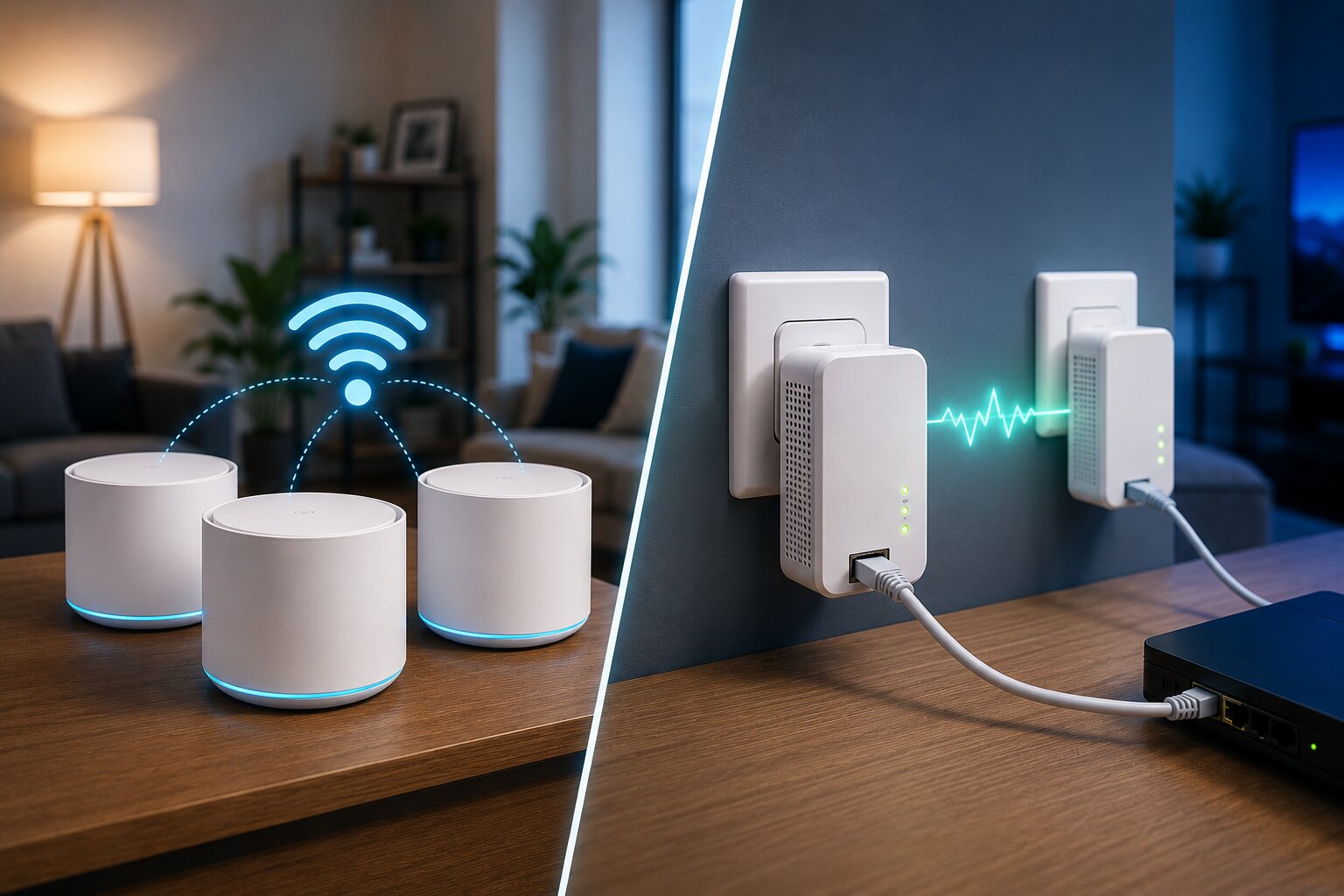
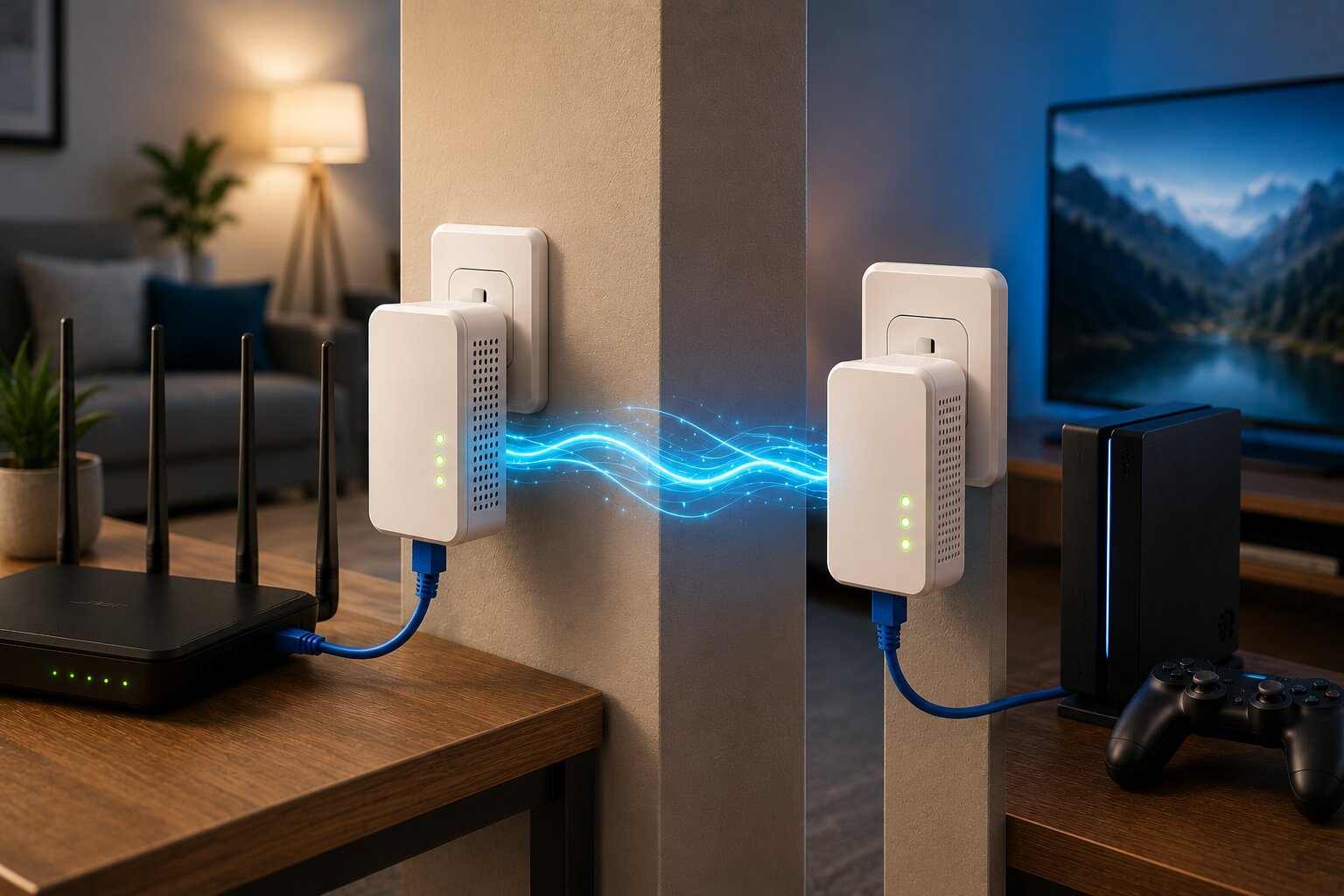
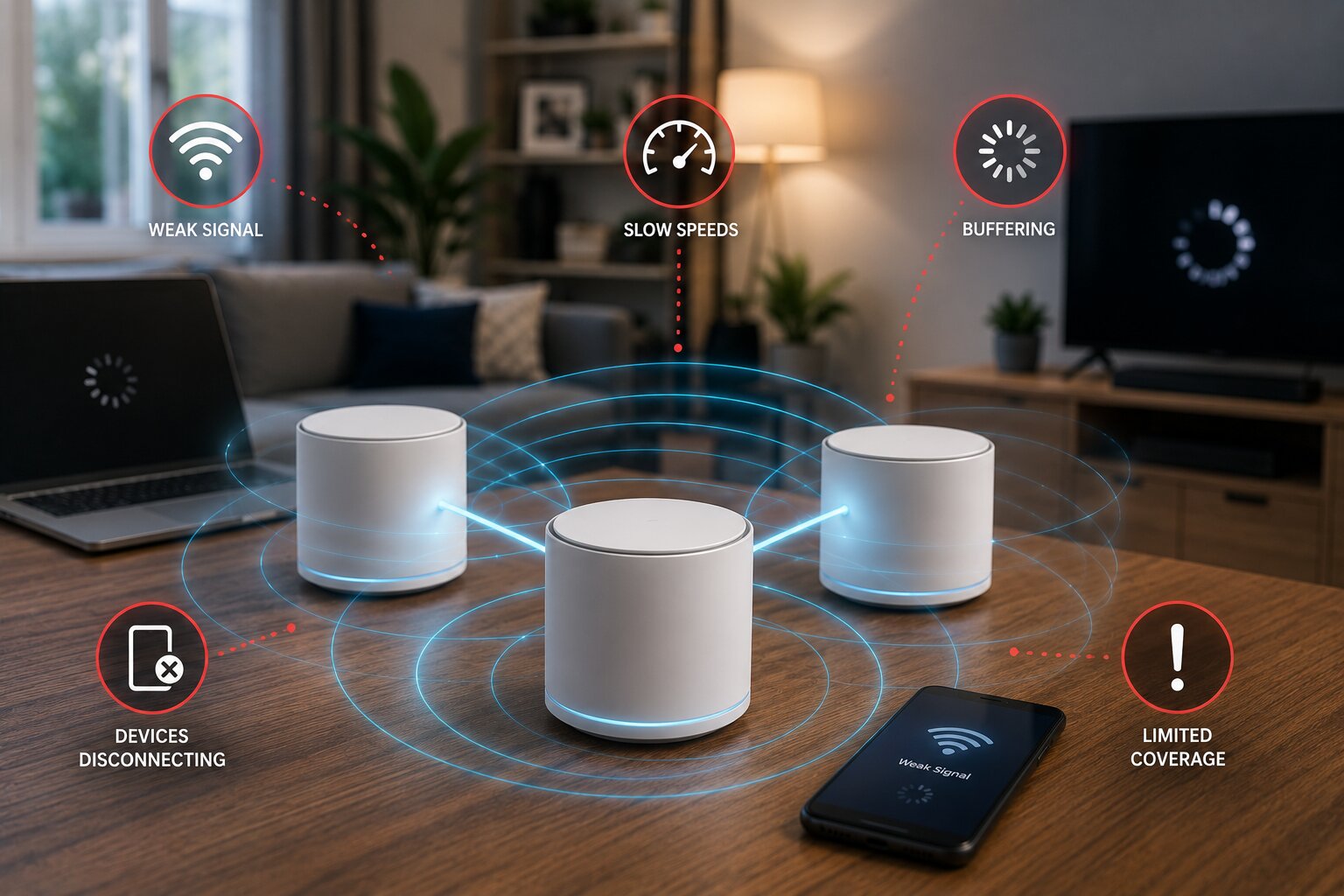
You also need to be thinking about your internet connectivity. Is this up to scratch? You’ll need something reliable in place here and we’ve previously considered the options of Wireless Mesh or Powerline adapter based systems. Whichever route you take, you’ll want to ensure that you aren’t being let down by the internet connection within your own home.
A smarter way to think about home security
Finding an alarm system compatible with Google Home is not simply about matching logos on product pages. It is about understanding how home security is changing in the age of connected living. Modern alarm systems are no longer isolated devices that respond only in moments of intrusion. Increasingly, they are part of intelligent environments that combine security, automation, awareness, and convenience.
Google Home can add real value to that environment by improving visibility, simplifying control, and helping devices work together more effectively. But the best results come when compatibility is treated thoughtfully. Homeowners need to understand what a system actually supports, what remains restricted, and how the security setup fits into the wider smart home ecosystem.
In that sense, compatibility is not the end goal. It is part of a broader shift toward homes that are more responsive, more integrated, and better able to connect security with everyday digital life.