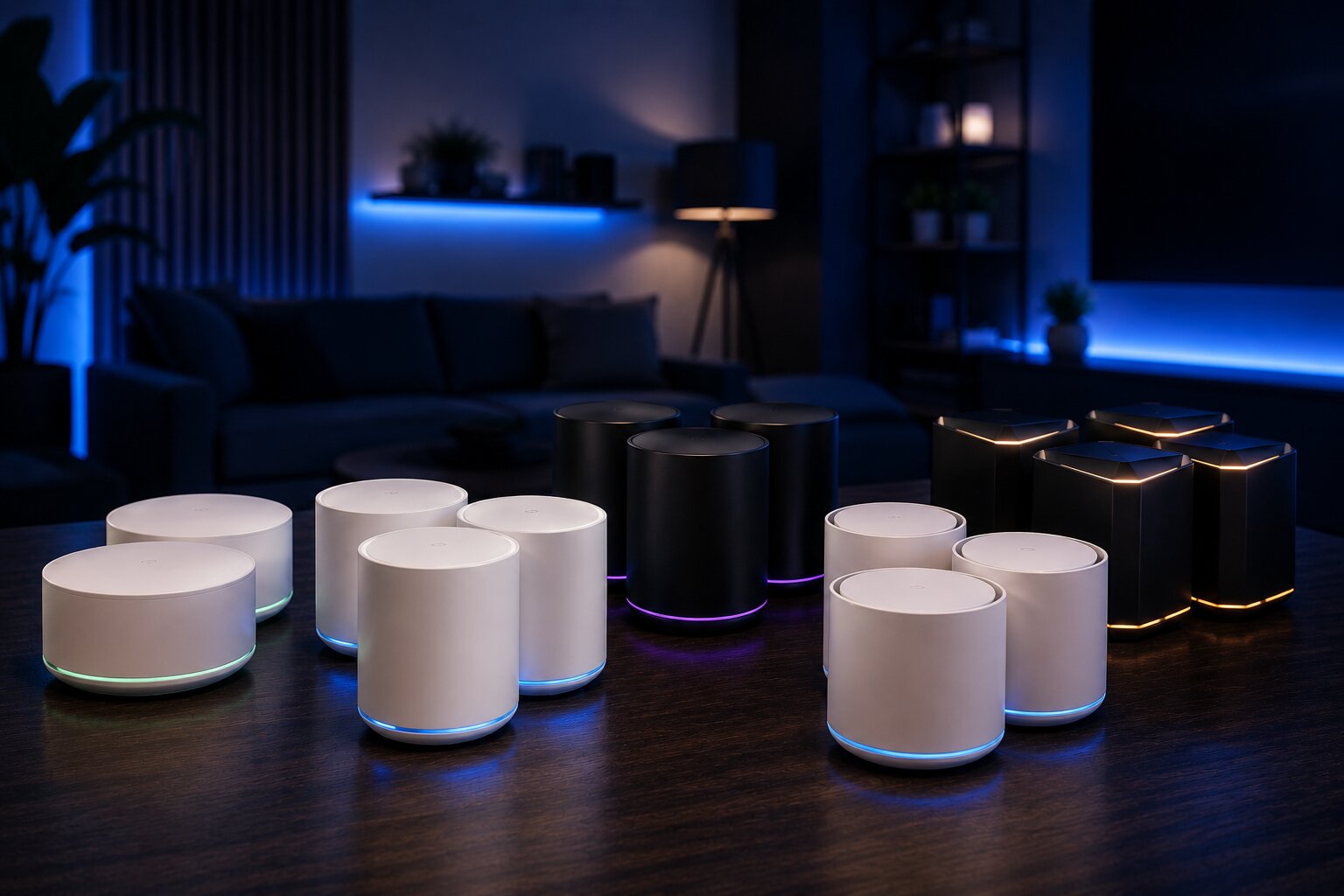
Key Wireless Mesh Systems Compared
Choosing a wireless mesh system is not just about buying the fastest-looking box. The right choice depends on the size of your home, the layout of the property, the number of connected devices, your broadband speed and how much control you want over the network.
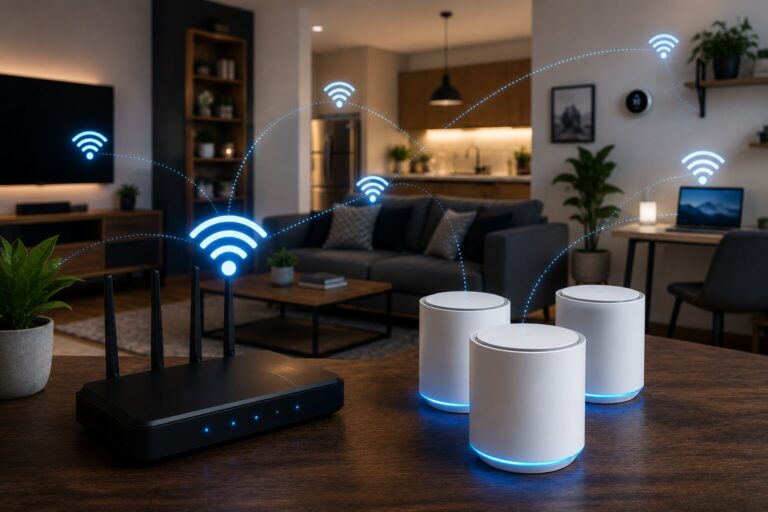
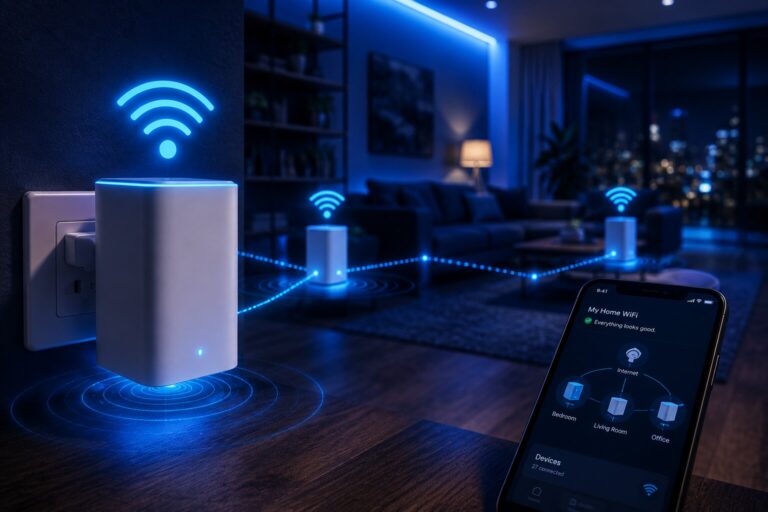
A mesh system is designed to spread WiFi coverage across a home using multiple connected nodes. One unit connects to the broadband router, while other units are placed around the property to extend coverage. The result should be a more stable connection in rooms where a single router struggles.
However, not all mesh systems are aimed at the same user. Some are designed for simple app-based setup. Others focus on gaming performance, smart-home integration, parental controls, WiFi 6E, WiFi 7 or advanced network management.
What To Compare Before Buying
The most important comparison is not the headline speed printed on the box. Real-world performance depends on placement, interference, backhaul quality, device capability and broadband speed.
When comparing wireless mesh systems, pay attention to:
- WiFi standard
- number of included nodes
- Ethernet ports
- wired backhaul support
- dedicated wireless backhaul
- app quality
- parental controls
- security features
- smart-home compatibility
- subscription costs
- long-term firmware support
This is why it helps to understand how to set up WiFi mesh properly before choosing a system. Even an expensive mesh kit will underperform if the nodes are badly positioned.
WiFi 5, WiFi 6, WiFi 6E And WiFi 7
Older WiFi 5 mesh systems may still be usable for smaller homes with moderate needs, but they are now harder to recommend as a new purchase. WiFi 6 is a stronger baseline for most households because it handles multiple devices more efficiently and is widely supported.
WiFi 6E adds access to the 6 GHz band, which can reduce congestion where compatible devices are available. WiFi 7 goes further, offering higher capacity and newer performance features, although it is still more expensive and most homes will not yet make full use of it.
For most buyers, WiFi 6 remains the sensible value choice. WiFi 6E is useful for busier homes with newer devices. WiFi 7 is best reserved for users with very fast broadband, heavy device loads or a desire to future-proof.
Dual-Band Versus Tri-Band Systems
A dual-band mesh system uses 2.4 GHz and 5 GHz bands. A tri-band system adds another band, often used for backhaul or extra device capacity.
This matters because mesh nodes need to communicate with each other as well as with your devices. If the same wireless band is used for both device traffic and backhaul, performance can drop, especially on satellite nodes.
A tri-band system can be better for:
- larger homes
- busy households
- heavy streaming
- gaming
- many smart-home devices
- wireless backhaul
- faster broadband connections
A dual-band system may still be fine for smaller properties or moderate use. The key is not to overbuy for a problem you do not have.
Entry-Level Mesh Systems
Entry-level mesh systems are designed for users who want a simple upgrade from a standard router. They usually offer app-based setup, two or three nodes, basic parental controls and straightforward network management.
These systems are often enough for:
- flats
- small houses
- casual browsing
- streaming
- video calls
- phones and laptops
- light smart-home use
They are less suitable for homes with gigabit broadband, demanding gaming setups or large numbers of connected devices.
Entry-level systems are often a good answer for anyone asking whether they need better home WiFi, because many households do not need advanced features; they simply need more even coverage.
Mid-Range Mesh Systems
Mid-range mesh systems are usually the best fit for typical family homes. They often support WiFi 6, offer stronger processors, better app features and more consistent coverage than budget systems.
A good mid-range system may support:
- multiple streaming devices
- home working
- smart TVs
- tablets and phones
- security cameras
- smart speakers
- basic gaming
- guest networks
- parental controls
This is the category most households should consider first. It normally provides a good balance between cost, simplicity and performance.
Mid-range systems are also suitable for people who may later add another node. If coverage is almost good enough but not quite complete, connecting a wireless mesh extender can be a practical next step.
Premium Mesh Systems
Premium mesh systems are aimed at larger homes, demanding users and households with fast broadband. They may include WiFi 6E or WiFi 7, tri-band or quad-band hardware, multi-gigabit Ethernet ports and more advanced network controls.
These systems can be useful for:
- gigabit or multi-gigabit broadband
- large detached homes
- thick walls or complex layouts
- multiple home workers
- 4K or 8K streaming
- cloud gaming
- many smart-home devices
- network-attached storage
- advanced home automation
The downside is cost. Premium mesh kits can be expensive, and many households will not see the full benefit if their broadband speed or devices cannot take advantage of the hardware.
Mesh Systems For Smart Homes
Smart homes place different demands on WiFi. Many devices use low amounts of bandwidth, but they need reliable coverage. A smart plug does not need high speed, but a security camera may need a stable connection at all times.
A smart-home-friendly mesh system should offer:
- strong 2.4 GHz coverage
- reliable device handling
- guest or IoT networks
- good app visibility
- security updates
- compatibility with many device types
- simple management for non-technical users
This is especially important as homes become more connected. A mesh system can support what defines a smart home device in 2026, because cameras, lighting, heating controls, voice assistants and appliances all depend on a stable network underneath.
Mesh Systems For Gaming
Gaming performance depends on more than download speed. Latency, jitter and packet loss are often more important. A mesh system can help if it improves signal strength and network stability, but it is not always a substitute for Ethernet.
Gamers should look for:
- Ethernet ports on satellite nodes
- strong backhaul performance
- low latency
- quality of service controls
- app-based device prioritisation
- stable firmware
- wired backhaul support
For serious gaming, a wired connection remains preferable. In homes where Ethernet is not practical, it may be worth comparing gaming network options using powerline adapters as well as mesh.
Mesh Systems With Wired Backhaul
Wired backhaul can transform a mesh system. Instead of relying on wireless communication between nodes, each unit connects back through Ethernet. This can improve speed, stability and latency.
A mesh system with wired backhaul is useful where:
- Ethernet cabling already exists
- the home is being renovated
- a garden office needs reliable access
- gaming or home working matters
- wireless backhaul is blocked by thick walls
- several access points are needed
If wired backhaul is possible, it should be taken seriously. It can make a mid-range mesh system perform better than a more expensive system relying on weak wireless links.
For more technical users, this overlaps with building your own wireless mesh network at home, where dedicated access points and structured cabling may offer even more control.
Mesh Versus Powerline
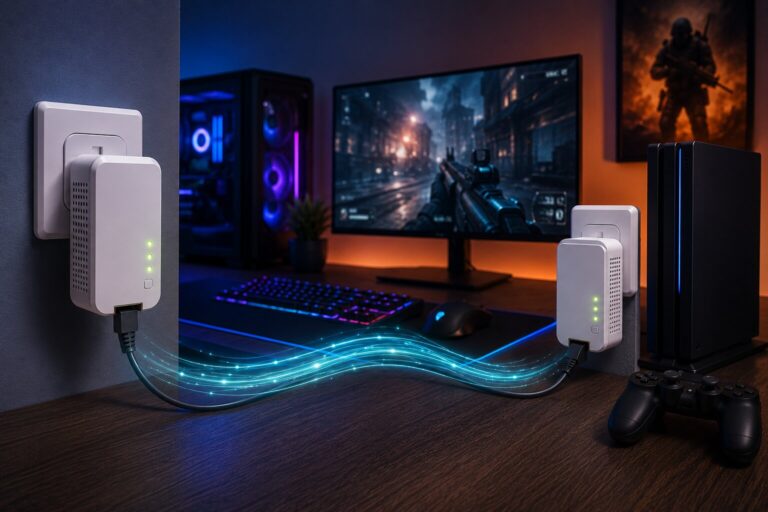
Mesh is designed to improve wireless coverage. Powerline adapters use electrical wiring to carry network data between rooms. They solve different problems.
Mesh is usually better when:
- several rooms need better WiFi
- mobile devices are the priority
- smart-home coverage is patchy
- users want one seamless wireless network
- setup simplicity matters
Powerline may be better when:
- one fixed device needs a stable connection
- WiFi struggles through thick walls
- Ethernet cabling is not available
- a games console or desktop PC needs lower latency
- the electrical wiring supports good performance
That makes wireless mesh compared with powerline adapters an important buying decision, not an afterthought.
Subscription Features And Hidden Costs
Some mesh systems include advanced security, parental controls or device protection only through a paid subscription. This can change the true cost of ownership.
Before buying, check whether the following features are free or paid:
- parental controls
- security scanning
- malware blocking
- advanced usage reports
- VPN features
- device prioritisation
- web filtering
- identity protection services
A cheaper mesh kit can become less attractive if the features you actually want require an ongoing subscription.
App Quality Matters
The app is a major part of the experience. A good app makes it easy to add nodes, check signal quality, manage devices, pause internet access, create guest networks and update firmware.
A poor app can make a strong hardware system frustrating to use.
Look for systems that provide:
- clear placement guidance
- simple device lists
- firmware update controls
- network health checks
- useful notifications
- easy guest network setup
- understandable parental controls
For many households, app quality matters more than advanced settings hidden in a technical dashboard.
Common Mesh System Weaknesses
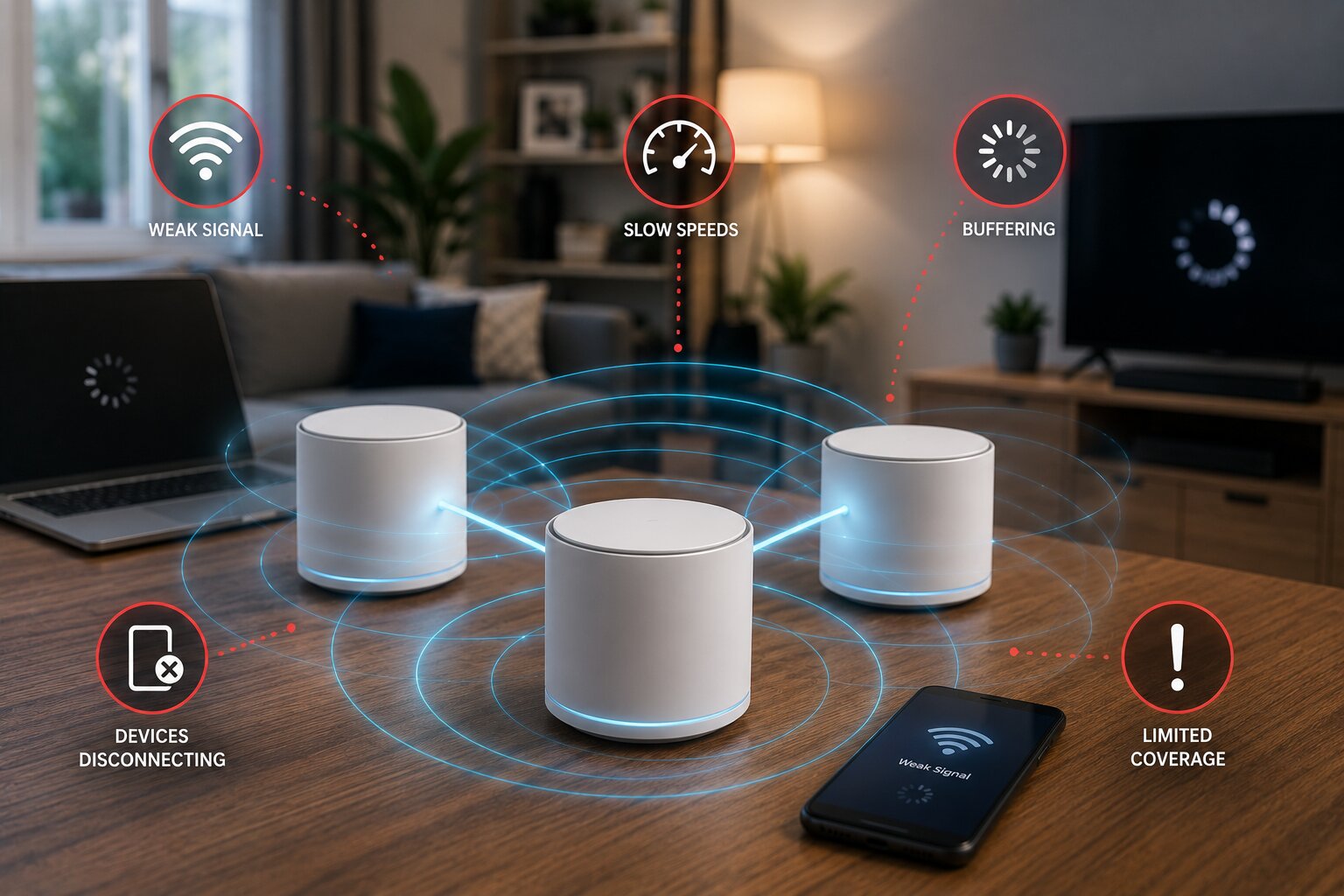
No mesh system is perfect. Common weaknesses include limited Ethernet ports, poor advanced controls, subscriptions for basic features, weak satellite performance, inconsistent device roaming and over-optimistic coverage claims.
Some systems also struggle with older smart-home devices, especially those that only support 2.4 GHz WiFi. Others may work well at first but become frustrating if firmware updates are slow or unreliable.
A separate guide to common wireless mesh system issues is useful here, because many problems are caused by placement, setup or device behaviour rather than the mesh hardware itself.
Which Type Of Mesh System Should You Choose?
For a small home with ordinary broadband, an affordable WiFi 6 mesh kit is usually enough. For a medium-sized family home, a stronger mid-range WiFi 6 or WiFi 6E system is likely to provide the best balance. For large homes, very fast broadband or many connected devices, a premium tri-band or WiFi 7 system may be worth considering.
For technically confident users, a DIY network using access points and wired backhaul may be better than a closed consumer mesh system. For fixed gaming or media devices, powerline or Ethernet may still be more reliable than wireless mesh alone.
The best mesh system is not always the newest or most expensive. It is the one that fits the layout, device load and real-world needs of the home.
As connected devices become more intelligent, the home network will become even more important. A strong mesh system can help prepare a property for the next generation of AI-powered smart devices, especially where sensors, cameras, assistants and automated systems need constant connectivity.
If you have expertise in networking, smart-home hardware or consumer technology, Dykes Do Digital welcomes relevant ideas through our Write For Us page.