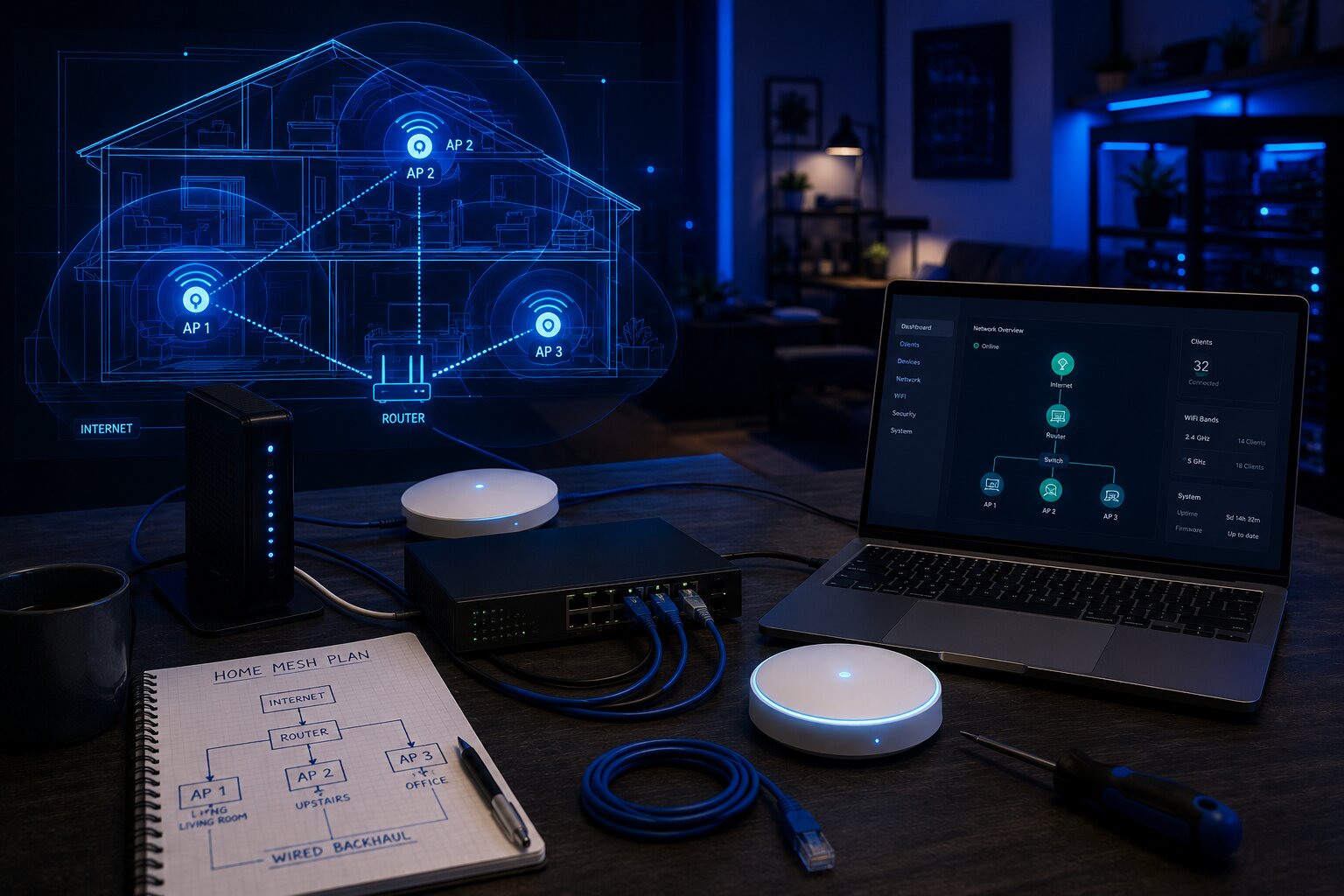
Build Your Own Wireless Mesh Network At Home
Building your own wireless mesh network at home can be a rewarding upgrade if a standard router is no longer giving you reliable coverage. It can also be a more flexible option than buying a pre-packaged mesh kit, especially if you want greater control over placement, configuration, wired backhaul, security and device management.
However, a DIY mesh network is not always the simplest route. Consumer mesh systems are designed to make setup easy. A self-built network requires more planning and a clearer understanding of how wireless coverage, access points, router settings and network management work together.
For many households, a ready-made system will be enough. But for larger homes, awkward layouts, garden offices, heavy smart-home use or more demanding network users, building your own wireless mesh network can offer a stronger and more adaptable result.
What A DIY Wireless Mesh Network Means
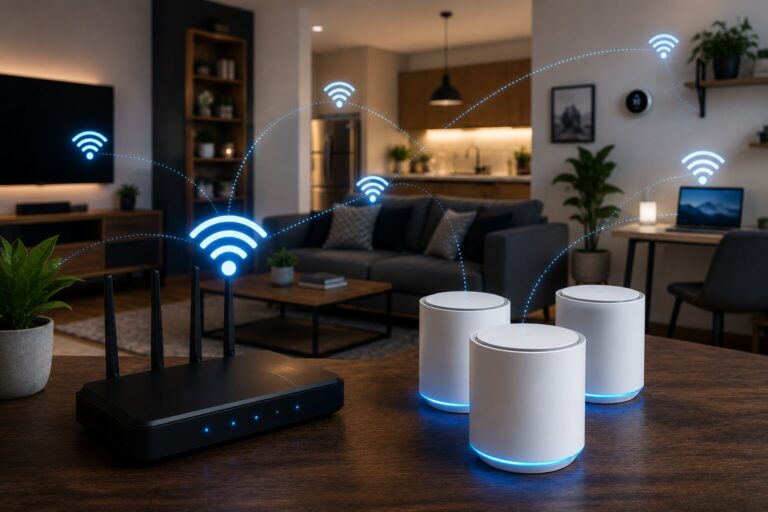
A wireless mesh network uses multiple access points or nodes to provide broader WiFi coverage across a property. Instead of relying on one router to reach every room, several devices work together to extend the network.
In a consumer mesh kit, the manufacturer controls most of this process through an app. With a DIY setup, you may use compatible routers, dedicated access points, wired Ethernet, open-source firmware or business-style networking equipment.
The aim is the same: one reliable home network that reaches the rooms where people actually need it.
This is closely related to how to set up WiFi mesh, but a DIY network usually gives you more control and more responsibility.
Why Build Your Own Mesh Network?
The main reason to build your own system is flexibility. A pre-packaged mesh kit is convenient, but it may limit how much you can customise.
A DIY setup can be useful if you want:
- better control over access point placement
- wired backhaul between key areas
- stronger performance for home offices
- better coverage in extensions or garden rooms
- more advanced security settings
- separation between work, guest and smart-home devices
- long-term upgrade flexibility
- more control over firmware and hardware choices
This is especially relevant in homes where connected devices are becoming part of everyday infrastructure. If you are planning a wider total home automation setup, the network beneath it needs to be stable enough to support cameras, sensors, lighting, speakers, heating controls and voice assistants.
DIY Mesh Versus Consumer Mesh Kits
A consumer mesh kit is usually the easiest choice. You buy a set of nodes, connect the first one to your router, follow the app and place the satellites around the home.
A DIY system is more involved. You may need to configure access points, manage IP addresses, set wireless channels, decide between wired and wireless backhaul, update firmware manually and troubleshoot interference.
The difference is not just technical. It is about control versus convenience.
A consumer mesh kit is better if you want:
- quick setup
- simple app control
- automatic updates
- easy parental controls
- minimal configuration
- one manufacturer ecosystem
A DIY mesh network is better if you want:
- more granular settings
- stronger wired options
- long-term expandability
- advanced device management
- business-style reliability
- fewer locked-down features
That makes DIY networking most suitable for confident users rather than anyone simply trying to fix a dead spot in the spare bedroom.
Start With A Network Plan
Before buying equipment, sketch the layout of your home. Mark the position of the broadband entry point, router, thick walls, staircases, home office, TV area, gaming space, smart-home devices and any rooms with weak coverage.
Then identify the areas that need reliable WiFi rather than trying to cover every corner equally. A hallway may not need high speed, but a home office or gaming room probably does.
Your plan should answer:
- where does the internet connection enter the home?
- where are the current weak spots?
- where are fixed devices located?
- where could Ethernet cables realistically run?
- which rooms need low-latency connections?
- where are smart-home devices clustered?
- are there outdoor or garden-office requirements?
This planning stage helps avoid the common mistake of buying too much hardware and placing it badly.
Choose The Right Hardware
There are several ways to build a DIY mesh network. The best choice depends on your technical confidence, property layout and budget.
You may use:
- compatible mesh-capable routers
- dedicated wireless access points
- small business networking hardware
- open-source router firmware
- Ethernet switches
- powerline adapters for difficult areas
- existing structured cabling if available
For most DIY home setups, dedicated access points are often the best route. They can be placed where coverage is needed and connected back to the main router or switch.
Some advanced users may use open-source firmware on compatible routers. This can provide more control, but it also increases complexity and may not be suitable for users who want a simple, supported system.
If you are still deciding between mainstream options, a guide to key wireless mesh systems compared can help clarify when a commercial kit makes more sense.
Wired Backhaul Is The Strongest Foundation
Backhaul is the connection between your access points or mesh nodes. It can be wireless or wired. In a DIY setup, wired backhaul is usually the best option if you can achieve it.
Wired Ethernet backhaul provides:
- better stability
- lower latency
- higher real-world throughput
- less wireless congestion
- stronger performance for fixed devices
- better support for multiple access points
Running Ethernet cable may not be convenient, but it is still one of the best upgrades for a serious home network. Even a single cable to an upstairs landing, office or media room can make a major difference.
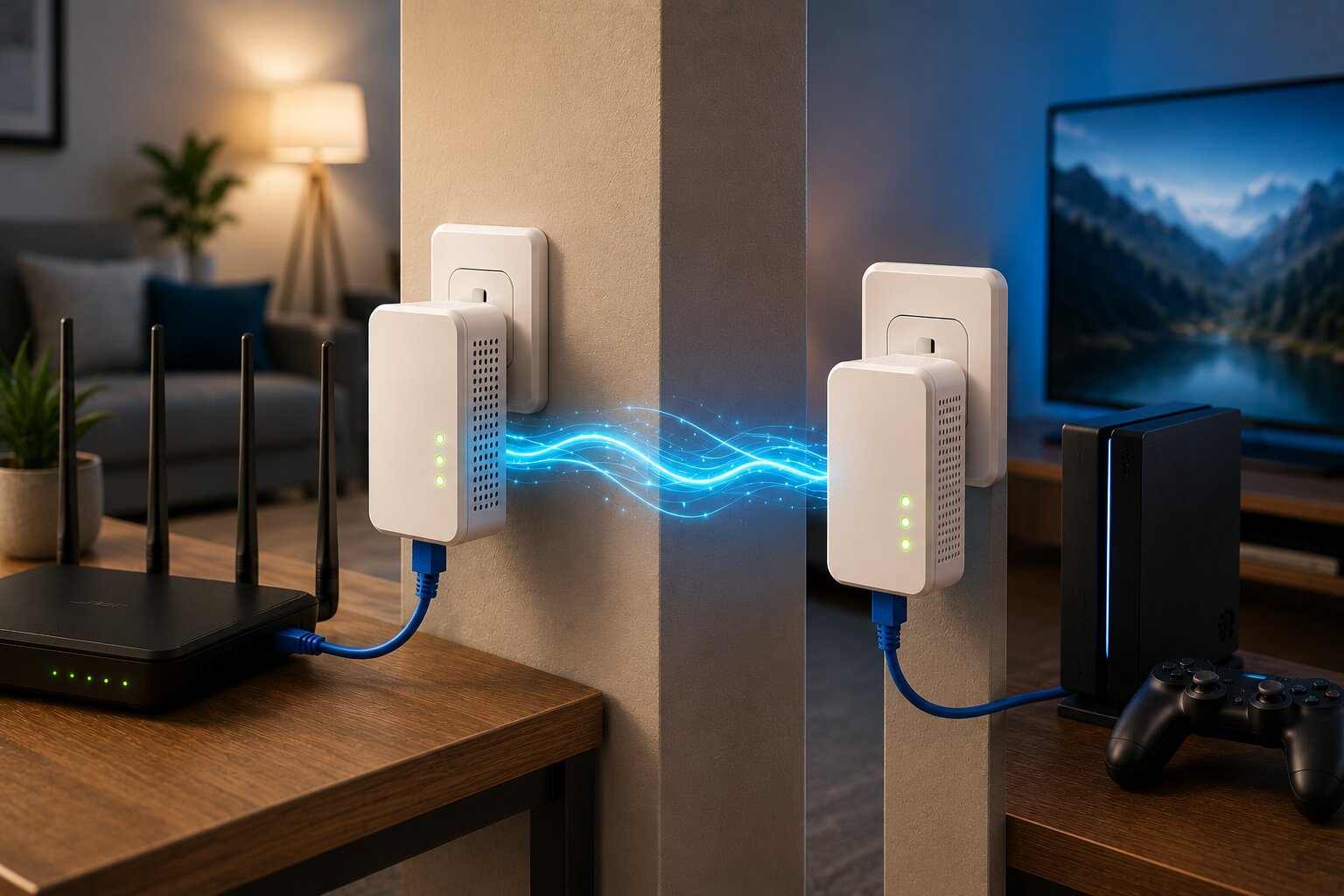
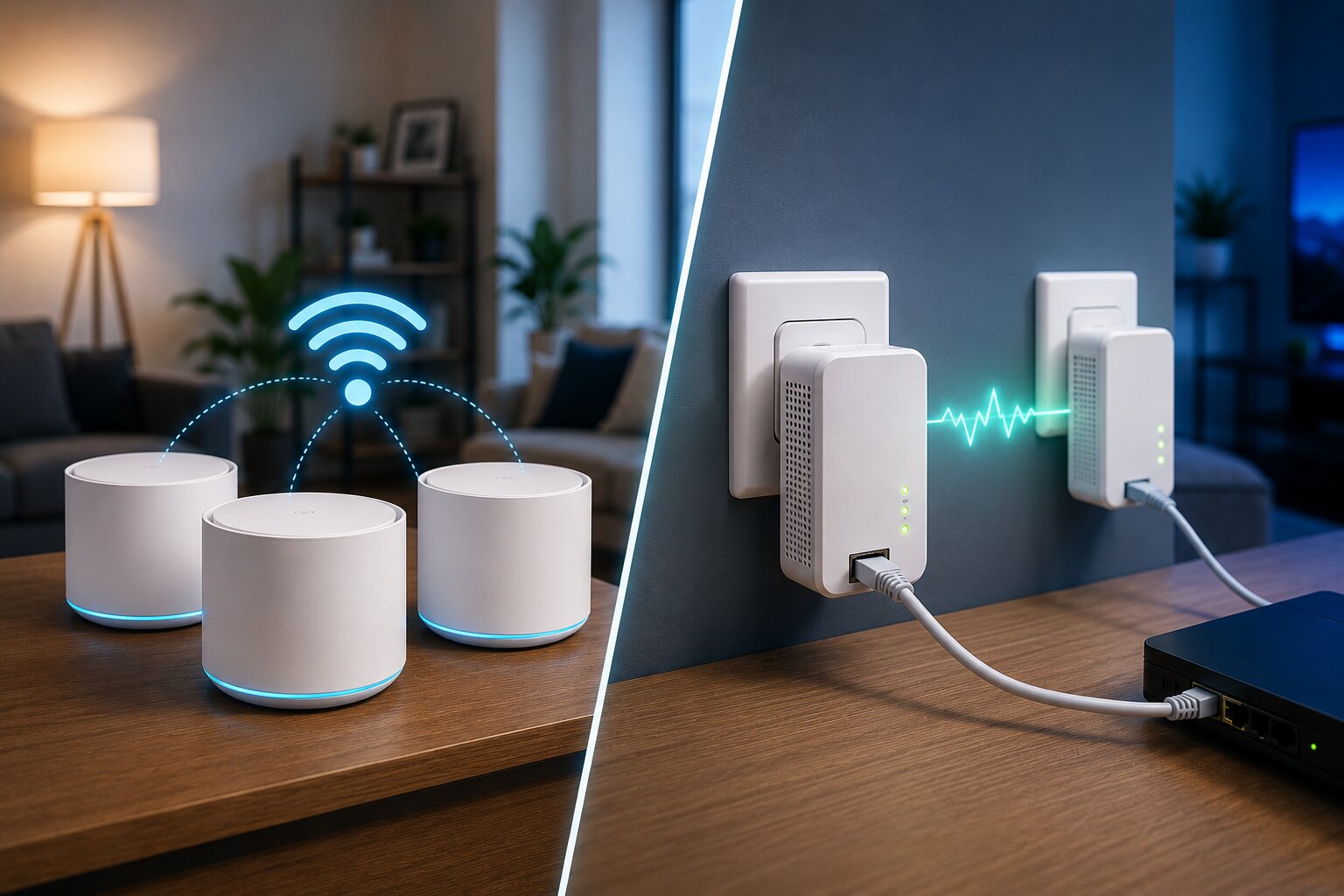
Where Ethernet is not realistic, it may be worth exploring wireless mesh versus powerline adapters. Powerline is not as predictable as Ethernet, but in some homes it can provide a useful connection path for fixed equipment or remote access points.
Router, Access Point Or Mesh Mode?
Networking equipment often offers several operating modes. Choosing the wrong one can create problems.
Router mode means the device handles routing, IP addresses, firewall functions and network management. Access point mode means it mainly provides WiFi while another router manages the network. Mesh mode allows multiple compatible units to cooperate as a shared wireless system.
In many homes, the broadband provider’s router is already handling routing. If you add another router in full router mode, you may create double NAT, which can cause issues with gaming, remote access, port forwarding and some smart-home systems.
A clean DIY setup often uses:
- one main router
- one or more access points
- one network name
- consistent security settings
- wired backhaul where possible
This gives you broader coverage without creating unnecessary network conflict.
Naming The Network
For most homes, all access points should broadcast the same WiFi network name and password. This lets devices move between access points without manual switching.
However, not every device roams intelligently. Some phones, laptops or smart-home products may cling to a weaker signal rather than moving quickly to the stronger access point. This can happen even on well-designed networks.
To improve roaming:
- use consistent SSID and password settings
- avoid excessive overlap between access points
- reduce transmit power if needed
- keep firmware updated
- use band steering carefully
- test with real devices
For some technical users, separate network names for 2.4 GHz and 5 GHz can be useful. For most households, one unified network is simpler.
Plan For Smart-Home Devices
Smart-home equipment can complicate WiFi planning. Many devices still use 2.4 GHz because it offers better range and is cheaper to implement. Others may struggle with band steering or modern security settings.
If you have many smart-home devices, consider creating a separate IoT network. This can improve organisation and may provide security benefits by separating less secure devices from laptops, phones and work equipment.
This is increasingly relevant as homes become more connected. Understanding what defines a smart home device in 2026 can help explain why cameras, thermostats, plugs, appliances and voice assistants should be considered part of the network design rather than afterthoughts.
Where A Wireless Mesh Extender Fits
A wireless mesh extender can be useful in a DIY network, but it should not be the first answer to every problem. Extenders work best when they receive a strong signal and extend it into a nearby weaker area. They perform badly when placed inside a dead zone.
If you need extra coverage but cannot run Ethernet, then connecting a wireless mesh extender correctly may be a practical compromise. Placement will matter more than the brand name on the box.
In a DIY setup, an extender may help with:
- upper floors
- rear extensions
- bedrooms with weak coverage
- temporary workspaces
- rental properties where cabling is difficult
However, for fixed high-demand devices, a wired access point, Ethernet cable or powerline adapter may be more reliable.
Gaming And High-Demand Devices
Gaming PCs, consoles, streaming boxes and desktop workstations usually benefit from wired connections. WiFi can be excellent, but wired Ethernet remains the more stable option for low latency.
If a gaming room is far from the router, there are several options:
- run Ethernet to the room
- use a wired access point nearby
- connect the console to a mesh node by Ethernet
- test powerline adapters
- use WiFi only if signal and latency are strong
A separate article on gaming networking solutions with powerline adapters can explore this in more detail, because gaming often reveals weaknesses that normal browsing does not.
Powerline As Part Of A DIY Network
Powerline adapters use the electrical wiring in your home to carry network data. They can be useful where Ethernet cabling is impractical and WiFi struggles.
They are not guaranteed to work well in every property. Performance depends on wiring age, electrical circuits, interference and adapter quality. But they can still be a useful tool in a DIY networking plan.
For example, a powerline adapter might provide a connection to a TV room, where a second adapter feeds a small Ethernet switch or access point. That can be more stable than relying on weak WiFi through several walls.
Before relying on this approach, it is worth understanding how powerline adapters work and why real-world performance can differ from advertised speeds.
Security And Updates
A DIY network gives you control, but it also gives you responsibility. Security should not be treated as optional.
At minimum:
- use WPA2 or WPA3
- use a strong administrator password
- update router and access point firmware
- disable unused remote-management features
- create a guest network for visitors
- separate smart-home devices where practical
- retire unsupported old hardware
This matters more as home networks support more intelligent hardware. The arrival of AI-powered smart devices in the home means routers and access points are no longer just convenience tools; they are part of the security foundation for domestic technology.
Common DIY Mesh Mistakes
A self-built network can underperform if it is poorly planned. Common mistakes include placing access points too close together, using too many devices, mixing incompatible hardware, leaving old WiFi active, creating double NAT or assuming that maximum signal strength always equals best performance.
Another common error is ignoring upload speed and latency. A network that downloads quickly may still feel poor during video calls, gaming or cloud backups if latency and stability are weak.
It is also easy to underestimate interference. Neighbouring networks, thick walls, cordless devices, microwaves and large appliances can all affect performance.
When things go wrong, a guide to common issues with wireless mesh systems can help diagnose whether the problem is placement, device compatibility, backhaul, firmware or the broadband connection itself.
Is A DIY Mesh Network Worth It?
A DIY wireless mesh network is worth considering if you want more control than a consumer mesh kit offers. It can be a strong option for larger homes, tech-heavy households, smart-home installations, home offices and users who are comfortable with network settings.
It is probably not worth it if you want quick setup, simple support and minimal maintenance. In that case, a commercial mesh kit will usually be easier.
The best DIY networks are not necessarily the most complicated. They are planned carefully, use good placement, rely on wired backhaul where possible and avoid unnecessary hardware. The aim is not to build the most elaborate network. It is to create one that works reliably in the rooms where digital life actually happens.
If you have experience with home networking, connected devices or practical consumer technology, Dykes Do Digital welcomes relevant submissions through our Write For Us page.