Wireless Mesh Versus Powerline Adapters
Improving home networking is no longer just a niche technology concern. Streaming, gaming, video calls, smart-home devices and remote working have made reliable internet coverage essential in many households. Yet plenty of homes still suffer from dead zones, unstable wireless connections and rooms where the signal simply does not reach properly.
Two of the most common solutions are wireless mesh systems and powerline adapters. Both are designed to improve connectivity around the home, but they work in very different ways. Choosing the right option depends on the structure of the property, the devices you use and how the network is expected to perform.
Neither technology is universally better. In some homes, mesh systems are the ideal answer. In others, powerline adapters may provide stronger results. In many cases, the best solution combines elements of both.
What A Wireless Mesh System Does
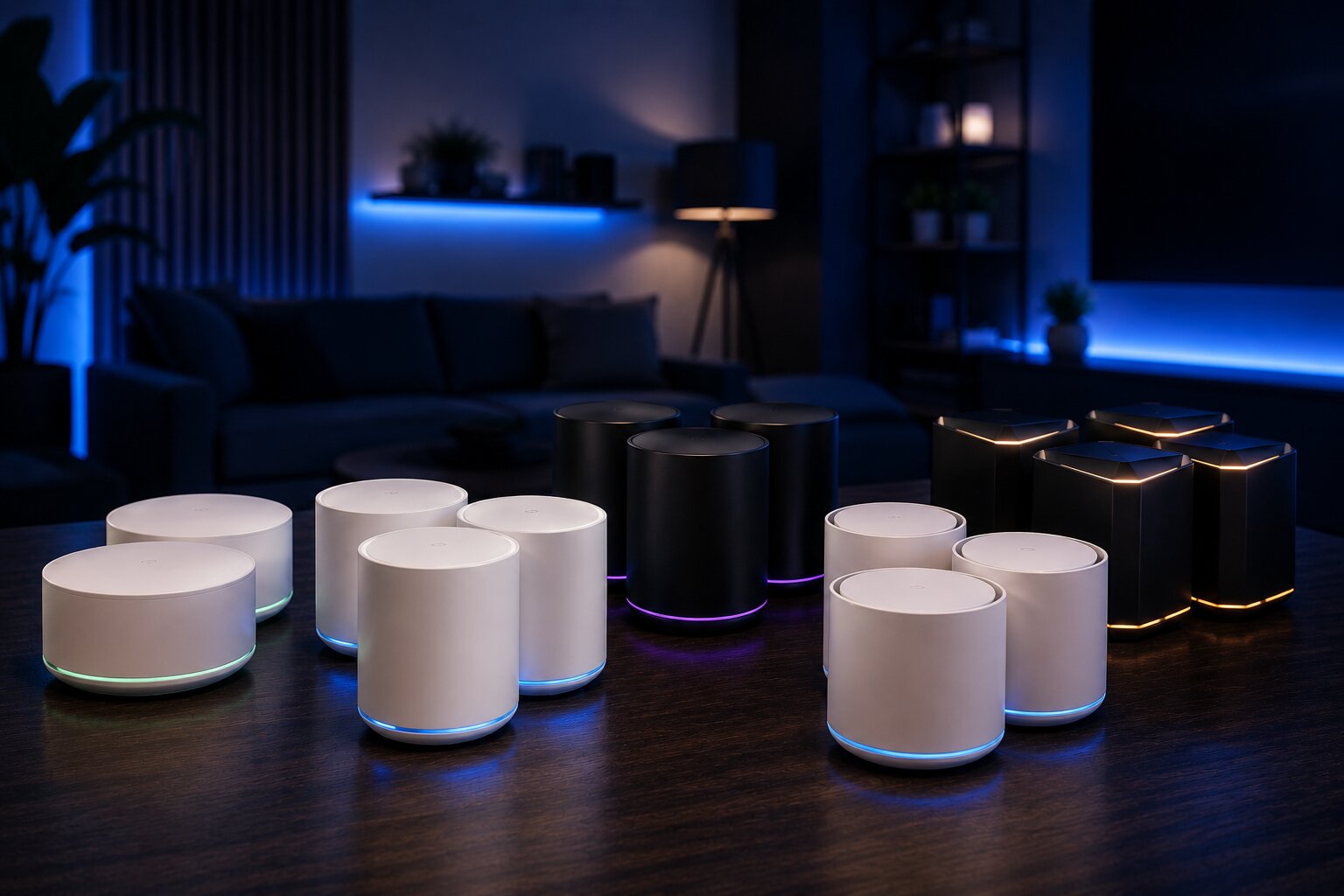
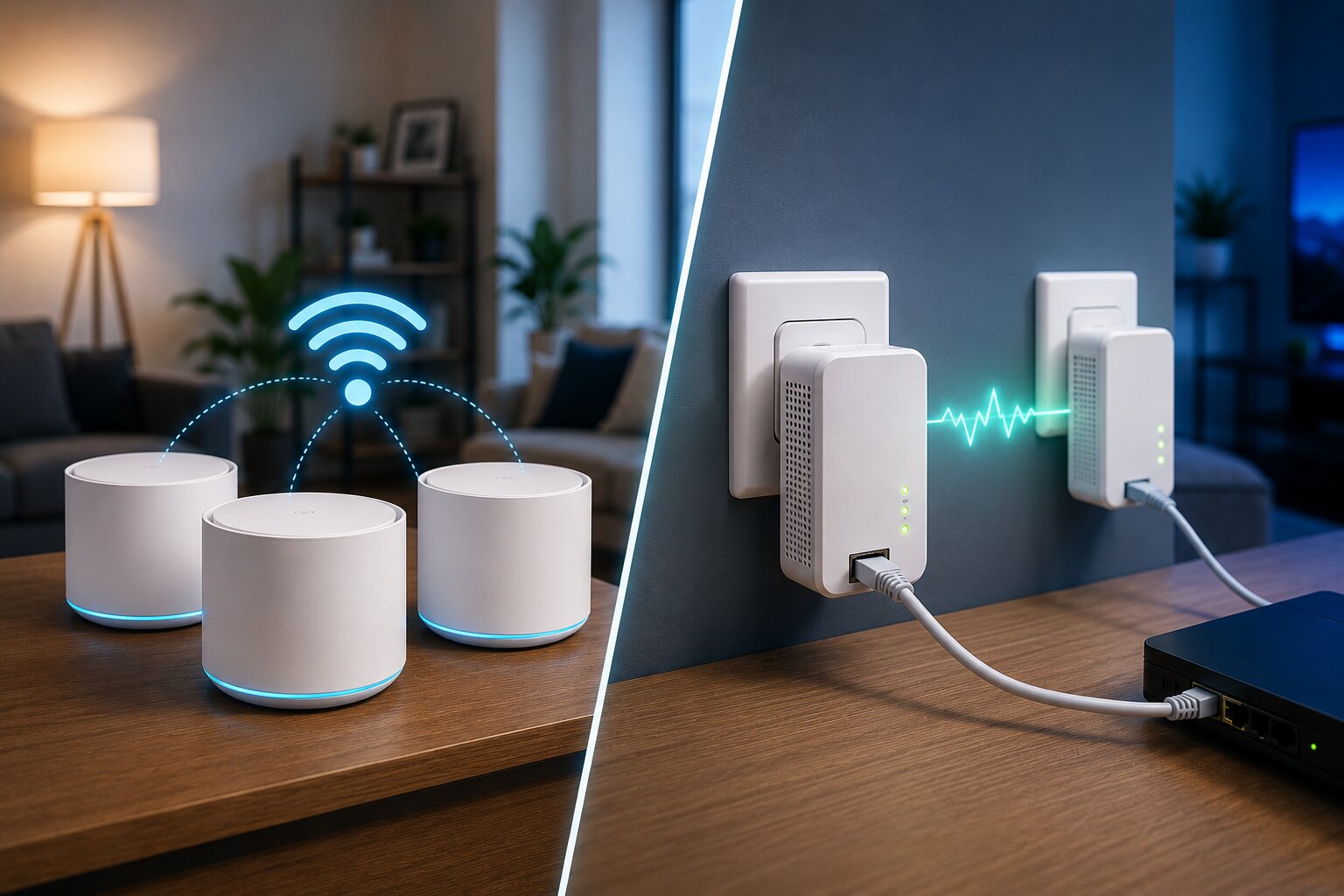
A wireless mesh system improves coverage by using multiple connected nodes placed around the home. One node connects to the broadband router, while the others extend WiFi into areas where the signal would otherwise weaken.
Instead of relying on one router to reach every room, the mesh system distributes the wireless network more evenly across the property.
The advantages of mesh typically include:
- better whole-home WiFi coverage
- smoother roaming between rooms
- fewer dead zones
- easier smart-home connectivity
- improved wireless reliability
- centralised management through an app
This is why many households begin researching how to set up WiFi mesh properly once they realise that a single router is no longer enough.
What Powerline Adapters Do
Powerline adapters work differently. Instead of extending WiFi wirelessly, they send network data through the electrical wiring of the home.
A basic setup usually involves:
- one adapter connected to the router
- another adapter plugged into a wall socket elsewhere in the home
- Ethernet or WiFi provided from the second adapter
The idea is to use the existing electrical wiring as a pathway for network traffic.
Powerline adapters can be especially useful for:
- fixed gaming devices
- desktop PCs
- smart TVs
- home-office equipment
- rooms where WiFi struggles through walls
- areas where Ethernet cabling is impractical
However, performance depends heavily on the quality and layout of the property’s electrical system.
That makes understanding how powerline adapters actually work extremely important before buying them.
The Biggest Difference: Coverage Versus Connection
Mesh systems are mainly designed to improve wireless coverage across an entire property.
Powerline adapters are mainly designed to extend a network connection from one point to another.
That distinction matters because they solve different kinds of problems.
Mesh is usually stronger when:
- several rooms have weak WiFi
- phones and tablets move around the house
- smart-home devices are widespread
- seamless roaming matters
- coverage consistency is the priority
Powerline is often stronger when:
- one fixed device needs reliability
- gaming latency matters
- a home office needs stable connectivity
- WiFi struggles structurally
- running Ethernet cable is unrealistic
Many people buy the wrong technology because they focus only on speed claims instead of the actual networking problem.
Which Is Easier To Install?
Consumer mesh systems are generally designed to be simple. Most use smartphone apps that guide users through setup, node placement and firmware updates.
For typical households, setup is often straightforward:
- connect the main node
- place the satellite nodes
- follow the app instructions
- test coverage
That simplicity is one reason mesh systems have become increasingly popular.
Powerline adapters are also relatively easy to install. In many cases, setup involves plugging the adapters into wall sockets and pairing them automatically.
However, troubleshooting powerline can sometimes be more unpredictable because performance depends on factors such as:
- wiring age
- fuse boxes
- electrical circuits
- interference from appliances
- extension leads
- surge protectors
This is why some users researching whether they need to improve home WiFi eventually discover that the issue may not actually be wireless coverage alone.
Mesh Is Usually Better For Smart Homes
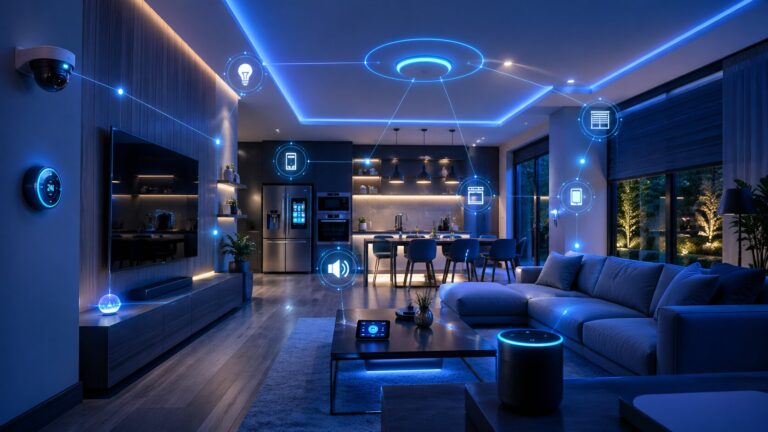
Modern smart homes often contain dozens of connected devices:
- cameras
- smart speakers
- thermostats
- lighting systems
- smart plugs
- sensors
- appliances
- voice assistants
Most of these devices rely on stable WiFi coverage rather than maximum speed.
Mesh systems are particularly useful in these environments because they create more even wireless coverage across multiple rooms.
This matters increasingly as connected living expands. A strong network foundation supports what defines a smart home device in 2026, where everyday household hardware is becoming more intelligent and permanently connected.
Powerline can support smart-home equipment too, but it is generally more useful for fixed-position devices than mobile or widely distributed wireless hardware.
Gaming Performance: Mesh Or Powerline?
Gaming creates different demands from casual browsing. Latency, jitter and packet stability often matter more than raw download speed.
Mesh systems can improve gaming if they solve weak signal problems, but wireless backhaul may still introduce variability.
Powerline adapters sometimes perform better for gaming because they provide a more direct connection path than long-range WiFi. However, results vary heavily depending on the electrical wiring quality.
Gamers should ideally test:
- latency stability
- packet loss
- jitter
- upload consistency
- wired versus wireless performance
For competitive gaming, direct Ethernet remains the best option. But where Ethernet is not practical, gaming networking solutions using powerline adapters may outperform weak WiFi connections in some homes.
Large Homes Often Benefit From Mesh
Mesh systems are particularly useful in:
- detached homes
- multi-storey properties
- loft conversions
- extensions
- garden offices
- properties with several dead zones
Because mesh spreads coverage across several nodes, it can create a more seamless experience throughout the home.
A mesh system also tends to work better for devices that move around frequently, such as:
- phones
- tablets
- laptops
- portable smart devices
This is where connecting a wireless mesh extender correctly can further improve coverage in difficult areas without rebuilding the entire network.
Thick Walls Can Change Everything
Some buildings are naturally difficult for WiFi.
Common signal obstacles include:
- stone walls
- concrete floors
- steel structures
- chimney breasts
- mirrors
- insulated walls
In these environments, a wireless signal may weaken dramatically before it reaches the target room.
Powerline adapters can sometimes bypass these problems because they use electrical wiring rather than radio signals.
That does not guarantee success, but it explains why some homes see much stronger results from powerline than from mesh.
Mesh Systems Depend On Placement
A mesh network is only as good as its node placement.
Common mistakes include:
- placing nodes too far apart
- hiding nodes inside cabinets
- placing satellites inside dead zones
- adding too many nodes
- leaving the old router WiFi active
Even expensive hardware can underperform if placement is poor.
This becomes more important for people choosing between pre-built systems and building their own wireless mesh network at home, where placement and backhaul planning become even more critical.
Powerline Depends On Electrical Wiring Quality
Powerline performance is highly variable because electrical wiring was not originally designed for networking.
Performance can change depending on:
- wiring age
- fuse board configuration
- circuit separation
- electrical interference
- adapter quality
- distance between adapters
Some homes achieve excellent results. Others barely improve at all.
This unpredictability is one of the biggest weaknesses of powerline technology.
Mesh systems tend to be more consistent across different homes because WiFi behaviour is generally easier to predict than electrical-network behaviour.
Wired Backhaul Changes The Mesh Equation
A wireless mesh system becomes much stronger if the nodes are connected using Ethernet backhaul.
Wired backhaul reduces:
- wireless congestion
- latency
- signal loss between nodes
It can make a mid-range mesh system outperform a much more expensive fully wireless setup.
Some households even combine mesh with powerline by using powerline adapters to feed Ethernet into a distant mesh node. This hybrid approach can work surprisingly well in the right property.
Which Is Better For Streaming?
For streaming video, both technologies can work well if properly configured.
Mesh usually performs better when:
- several devices stream simultaneously
- users move around with devices
- smart TVs rely on wireless access
- coverage consistency matters
Powerline often performs better when:
- one fixed streaming box needs stability
- the TV room is structurally difficult for WiFi
- Ethernet-style reliability is preferred
The best option depends less on theoretical speed and more on how the property behaves in practice.
Cost Considerations
Entry-level powerline adapters are often cheaper than full mesh systems.
However, cheaper is not always better if the adapters do not perform well in your home.
Mesh systems vary widely in cost depending on:
- WiFi standard
- node count
- tri-band or dual-band hardware
- Ethernet support
- advanced features
- security tools
- subscription services
A small home may only need a modest mesh kit. A larger smart home may justify a much more advanced setup.
The Future Of Home Networking
Home networking demands are continuing to increase. More devices are becoming permanently connected, while streaming, cloud services and AI-driven hardware place greater pressure on household infrastructure.
This trend will likely accelerate as the next generation of AI-powered smart devices becomes more common in everyday homes.
That means the best networking choice today should ideally support future expansion as well as current needs.
Which Should You Choose?
Mesh is usually the better choice if you need:
- broader wireless coverage
- support for many mobile devices
- seamless roaming
- strong smart-home connectivity
- easy expansion
Powerline is usually the better choice if you need:
- a stable connection to one room
- lower latency for fixed devices
- an alternative to difficult WiFi environments
- Ethernet-like connectivity without running cable
In many homes, the ideal solution is not one or the other. Mesh and powerline can complement each other extremely well.
The most important step is understanding the actual problem you are trying to solve before buying more networking hardware.
If you have experience with networking, smart-home technology or connected-home infrastructure, Dykes Do Digital welcomes expert contributions through our Write For Us page.