Need To Improve Your Home Wifi
Few household technology problems are more frustrating than weak WiFi. A video call freezes upstairs, streaming buffers in the bedroom, smart-home devices disconnect randomly or online gaming becomes unreliable at the worst possible moment. In many homes, broadband speeds are no longer the biggest problem. Coverage inside the property is.
Modern households place far more pressure on home networks than they did even a few years ago. Multiple phones, laptops, smart TVs, tablets, speakers, cameras and connected appliances may all be online simultaneously. That means the quality of the in-home network matters more than ever.
Improving home WiFi is not always about buying the most expensive router. The best solution depends on the layout of the property, the number of devices, the broadband speed and how the internet is actually used from room to room.
Start By Identifying The Real Problem
Many people assume poor WiFi means poor broadband. Sometimes that is true, but not always.
If internet speed is good near the router but poor elsewhere, the issue is probably wireless coverage rather than the broadband connection itself.
This distinction matters because different problems require different solutions:
- slow broadband from the provider
- poor router placement
- weak WiFi coverage
- interference from walls or appliances
- overloaded hardware
- too many connected devices
- outdated equipment
- poor network configuration
A simple test is to run a speed test next to the router, then repeat it in the rooms where problems occur. If performance collapses as you move away from the router, the problem is likely internal coverage.
This is often the point where households begin researching how to set up WiFi mesh systems effectively.
Router Placement Matters More Than Most People Think
Many routers are placed wherever the broadband installer happened to leave them. Unfortunately, that location is often terrible for WiFi.
Common bad locations include:
- behind televisions
- inside cupboards
- near microwaves
- beside large metal appliances
- on the floor
- in the corner of the property
- next to thick brick walls
A router works best when it is:
- elevated
- centrally positioned
- in open space
- away from interference
- unobstructed by furniture
Even moving a router by a few feet can improve signal quality in neighbouring rooms.
This becomes especially important in homes using connected technology throughout the property, where total home automation depends heavily on reliable WiFi coverage.
When A Standard Router Is Not Enough
A single router may struggle in:
- larger homes
- multi-storey properties
- homes with thick walls
- loft conversions
- extensions
- garden offices
- older buildings
- homes with many connected devices
In these cases, simply buying a more expensive router may not solve the problem. Coverage is often more important than raw speed.
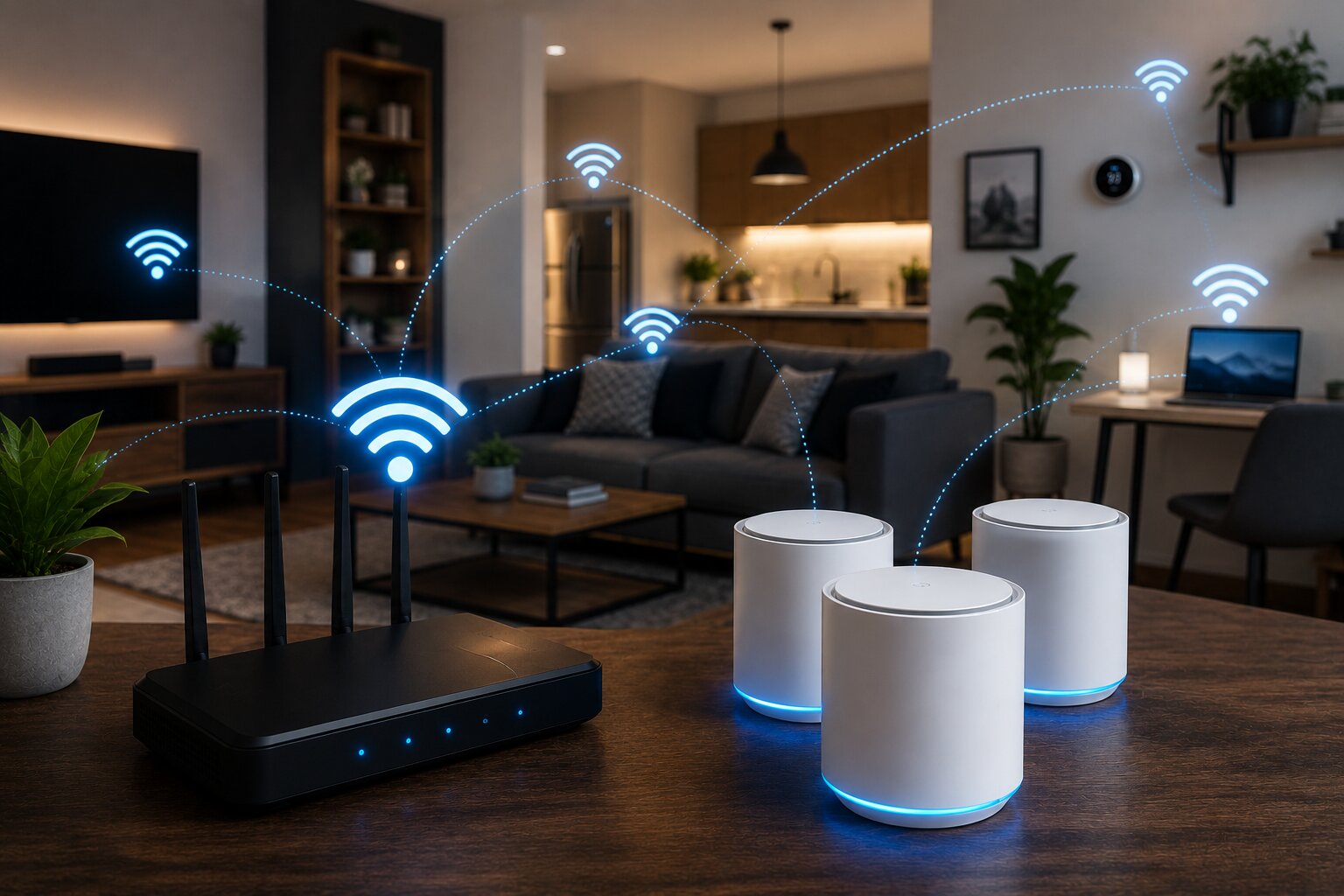
That is where mesh networking becomes attractive. A mesh system uses several nodes around the home to spread coverage more evenly.
For many users, understanding which wireless mesh systems are worth comparing is the next logical step after identifying dead spots around the property.
How Wireless Mesh Improves Coverage
A wireless mesh system creates a shared network across multiple nodes. Instead of relying on one router to reach every room, several units cooperate to distribute coverage more evenly.
The benefits can include:
- fewer dead zones
- smoother roaming between rooms
- better coverage upstairs
- more reliable smart-home connections
- stronger streaming performance
- improved work-from-home reliability
A properly installed mesh system should feel like one joined-up network rather than several disconnected WiFi extenders.
However, placement matters. Simply adding more nodes does not guarantee better performance.
This is why connecting a wireless mesh extender correctly is often more important than buying the most expensive hardware.
WiFi Interference Is Often Overlooked
Wireless networks compete for airspace. In flats, terraced housing or densely populated areas, neighbouring routers may interfere with each other.
Other household devices can also affect WiFi:
- microwaves
- cordless phones
- baby monitors
- Bluetooth devices
- wireless speakers
- thick stone or concrete walls
- mirrors
- metal structures
Modern routers and mesh systems try to manage interference automatically, but difficult environments can still reduce performance.
This is one reason why some homes benefit from wired backhaul or alternative networking approaches.
Upgrade Old Networking Hardware
Many WiFi complaints come from outdated hardware. Older routers may struggle with modern device loads, especially if they only support older wireless standards.
Upgrading to a WiFi 6 mesh or router system can improve:
- multi-device handling
- network efficiency
- stability
- latency
- smart-home performance
WiFi 6E and WiFi 7 systems go further, although many households will not yet fully benefit from them.
There is no need to chase the newest standard purely for marketing reasons. A solid WiFi 6 setup is enough for most homes today.
Check The Number Of Connected Devices
A modern home may contain dozens of connected devices. Even if many use little bandwidth individually, they still compete for network resources.
Common connected devices now include:
- phones
- tablets
- laptops
- smart TVs
- games consoles
- smart speakers
- security cameras
- lighting systems
- thermostats
- appliances
- streaming devices
This is part of a wider shift toward connected living. Understanding what defines a smart home device in 2026 helps explain why household WiFi demands continue to increase year after year.
Gaming Places Extra Demands On WiFi
Gaming exposes network weaknesses quickly. A network that feels fine for streaming may still suffer from:
- latency spikes
- jitter
- packet loss
- inconsistent ping
- unstable wireless backhaul
For competitive gaming, wired Ethernet remains the strongest option. But many homes cannot easily run cables across several rooms.
In those situations, mesh systems, wired access points or powerline adapters may help.
For fixed gaming devices, it is worth exploring gaming networking solutions using powerline adapters as an alternative to weak long-range WiFi.
Don’t Ignore Upload Performance
Many people focus only on download speed, but upload quality matters too. Video calls, cloud backups, online gaming and smart security cameras all depend on stable upload performance.
A home may have fast downloads but still feel unreliable if upload latency is poor or the wireless connection drops packets regularly.
Improving in-home WiFi coverage can often stabilise these experiences even when broadband speed itself remains unchanged.
When Powerline Adapters Help
Mesh networking is not the only answer. In some homes, powerline adapters may work better.
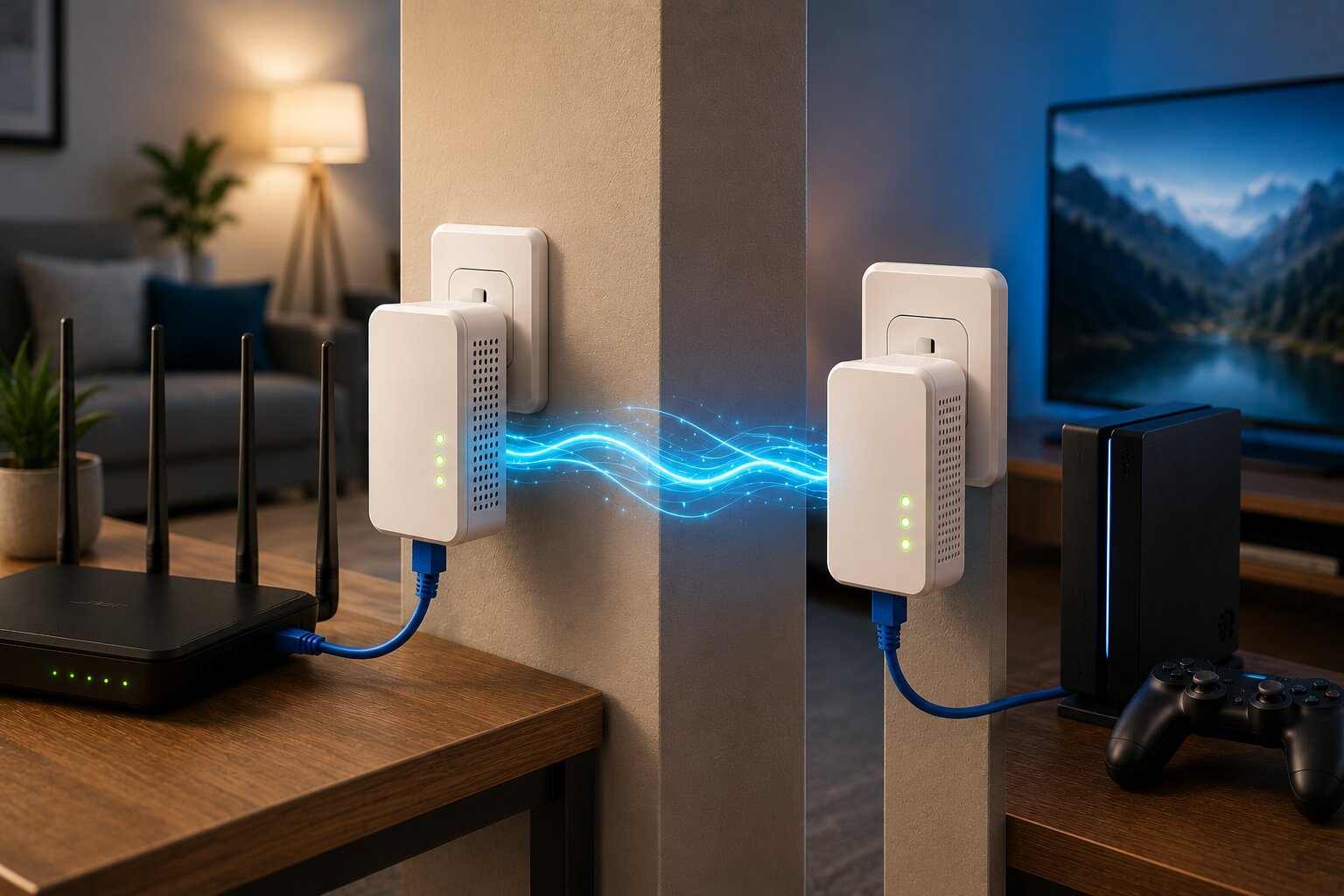
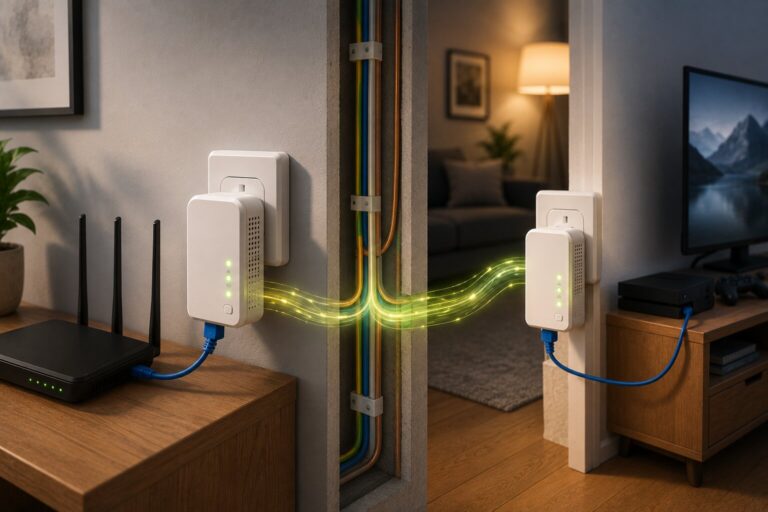
Powerline adapters send network traffic through the electrical wiring of the property. One adapter connects to the router, while another connects near the target device or room.
They can be useful when:
- WiFi struggles through walls
- Ethernet cabling is impractical
- one room needs stable connectivity
- a desktop PC or console needs lower latency
- smart TVs buffer at distance
Performance varies heavily depending on household wiring quality, which is why how powerline adapters actually work deserves careful consideration before purchase.
Mesh Versus Powerline
Mesh and powerline solve different problems.
Mesh is usually better when:
- multiple rooms need wireless coverage
- mobile devices move around the home
- smart-home devices are widespread
- seamless roaming matters
Powerline is often better when:
- one fixed device needs stability
- wireless signals struggle structurally
- Ethernet cabling is unavailable
- gaming latency matters
In some homes, a hybrid approach works best. Mesh can handle general coverage while powerline supports fixed high-demand devices.
That makes wireless mesh versus powerline adapters one of the most important decisions for improving home networking.
Smart Homes Depend On Strong WiFi
As homes become more automated, networking reliability becomes increasingly important. Cameras, voice assistants, smart lighting and AI-driven appliances all rely on stable connectivity.
A weak network may lead to:
- delayed smart-device responses
- disconnected cameras
- unreliable automation routines
- app connection failures
- buffering media systems
The next wave of consumer technology will likely increase these demands further. A stronger home network can help prepare households for the next generation of AI-powered smart devices and increasingly connected environments.
Common Mistakes When Improving WiFi
Many households spend money on networking upgrades without fixing the actual problem.
Common mistakes include:
- buying an expensive router before testing placement
- adding too many mesh nodes
- placing extenders in dead zones
- ignoring wired backhaul opportunities
- leaving old WiFi active
- using outdated firmware
- expecting WiFi to behave like Ethernet
- confusing broadband issues with coverage issues
The best results usually come from understanding the property layout and building the network around how the home is actually used.
When DIY Networking Makes Sense
Some users eventually outgrow consumer mesh kits. Larger homes, advanced smart-home setups and home-office environments may benefit from more customised networking.
This is where building your own wireless mesh network at home becomes attractive. Dedicated access points, wired backhaul and more advanced hardware can provide greater control and stronger long-term flexibility.
However, most households do not need enterprise-style complexity. Simplicity and good placement often matter more.
Troubleshooting Existing Mesh Systems
Sometimes the network already uses mesh hardware but still performs badly.
Common causes include:
- poor node placement
- weak backhaul
- interference
- firmware problems
- overloaded nodes
- device roaming issues
- outdated client devices
Before replacing the system entirely, it may help to review common problems with wireless mesh systems and optimise the existing setup first.
Improving WiFi Is Usually About Reliability
The goal of improving home WiFi is not always maximum speed. Reliability often matters more. A stable connection throughout the home creates a better experience than extremely fast speeds in only one room.
The best home networks are designed around real-world use:
- streaming without buffering
- stable video calls
- responsive smart-home devices
- smooth gaming
- reliable work connections
- consistent coverage across the property
For many homes, achieving that balance is more valuable than chasing marketing claims about theoretical wireless speeds.
If you work in networking, consumer technology or connected-home systems, Dykes Do Digital welcomes industry insight and practical expertise through our Write For Us page.