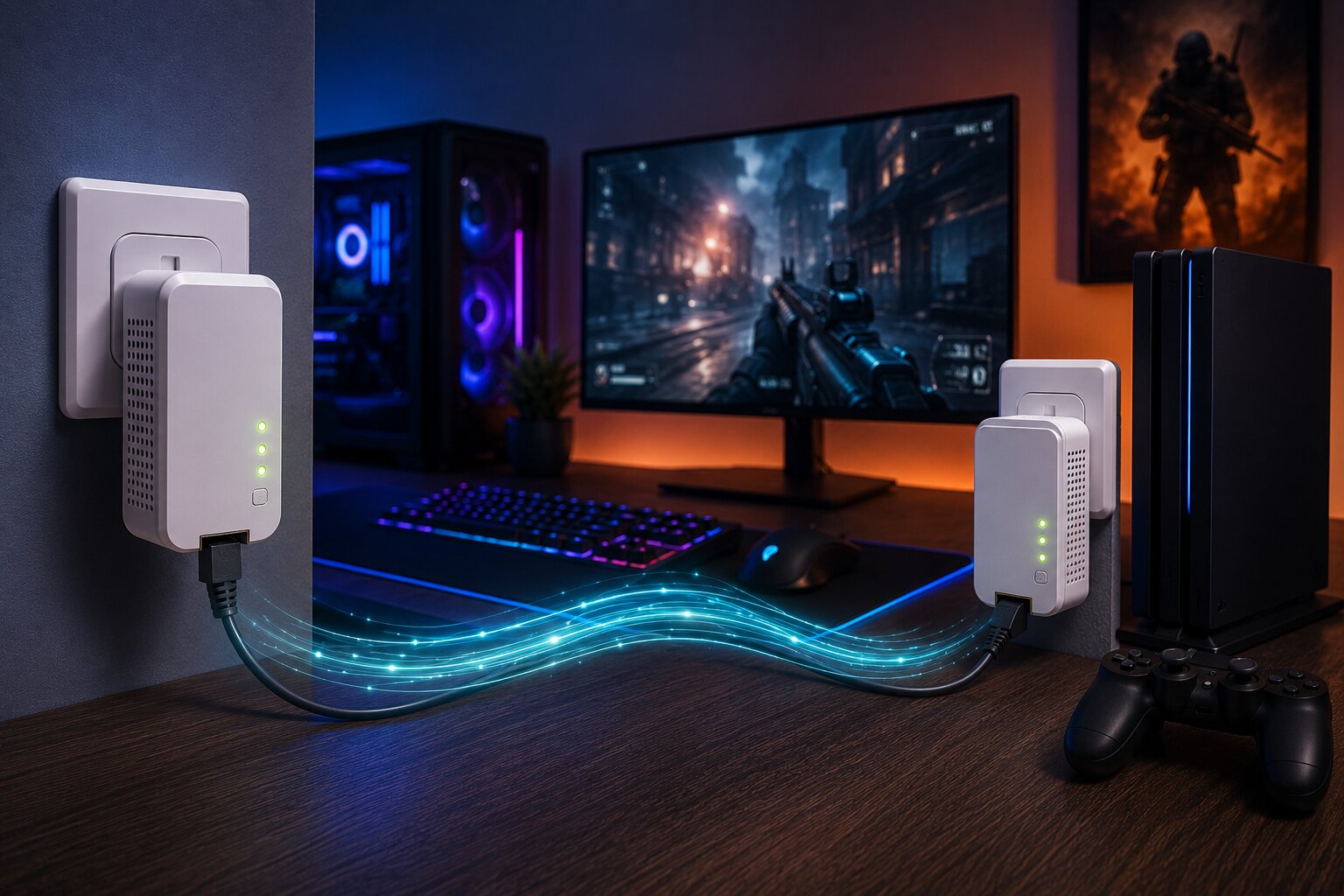
Gaming Networking Solutions: Powerline Adapters
Online gaming can expose weaknesses in a home network faster than almost anything else. A connection that feels fine for streaming or browsing may still produce lag spikes, unstable ping, packet loss or sudden disconnections during gameplay. For competitive or fast-paced games, that inconsistency can be more frustrating than a slower but steadier connection.
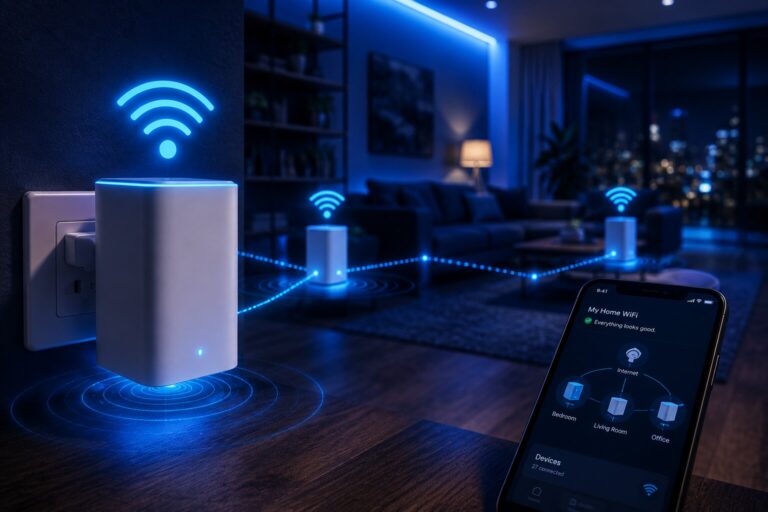
Powerline adapters are one possible solution. They use the electrical wiring inside a home to carry network data between the router and another room. For gamers who cannot easily run Ethernet cable and do not trust long-range WiFi, powerline can offer a practical middle ground.
They are not perfect, and they do not work equally well in every property. But in the right conditions, powerline adapters can provide a more stable gaming connection than weak WiFi.
Why Gaming Needs More Than Speed
Broadband advertising often focuses on download speed, but gaming depends on different qualities.
For online gaming, the most important factors are usually:
- latency
- jitter
- packet loss
- stability
- upload consistency
- local network reliability
A game may not require huge bandwidth, but it does require data to move quickly and consistently. A fast but unstable WiFi connection can still perform badly.
This is why improving gaming performance often starts with diagnosing the home network rather than simply upgrading broadband.
For households with broader coverage issues, improving home WiFi reliability may be the first step before focusing specifically on gaming.
What A Powerline Adapter Does For Gaming
A powerline adapter sends network data through the home’s electrical wiring.
A typical gaming setup uses:
- one adapter near the router
- one adapter near the console or gaming PC
- Ethernet cables at both ends
The result is a wired-style connection without running a long Ethernet cable through the house.
For a games console, desktop PC or gaming laptop in a fixed location, this can be useful. Instead of relying on a weak wireless signal from another room, the device connects by Ethernet to the nearby powerline adapter.
That makes powerline especially relevant when comparing wireless mesh systems and powerline adapters for real-world home networking.
Powerline Versus WiFi For Gaming
WiFi has improved significantly, especially with modern WiFi 6 and WiFi 6E equipment. However, gaming over WiFi can still be affected by distance, walls, interference and competing devices.
Powerline may offer advantages where WiFi is weak:
- more stable connection to a fixed device
- potentially lower latency than poor WiFi
- fewer signal drops through walls
- Ethernet connection at the console or PC
- less dependence on wireless coverage
However, powerline is not automatically better. If the home’s electrical wiring is poor or noisy, powerline can perform worse than strong WiFi.
The comparison is not powerline versus WiFi in general. It is powerline versus the specific WiFi conditions in your home.
Powerline Versus Ethernet
Ethernet remains the best networking option for serious gaming. A direct Ethernet cable from router to console or PC usually provides the lowest latency, strongest reliability and most predictable performance.
Powerline is best understood as an alternative when Ethernet cabling is not practical.
Compared with Ethernet, powerline is:
- easier to install
- usually less visually intrusive
- more dependent on household wiring
- less predictable
- often good enough, but not identical
For casual and many serious gamers, powerline may be sufficient. For professional, competitive or highly latency-sensitive play, Ethernet is still the benchmark.
How Powerline Adapters Work
Powerline adapters transmit data using high-frequency signals over electrical wiring. One adapter converts Ethernet traffic into a signal that travels through the electrical circuit. The other adapter receives that signal and converts it back into network data.
The technology can be highly convenient, but its performance depends on the home.
Important factors include:
- electrical wiring quality
- distance between sockets
- whether adapters are on the same circuit
- electrical interference
- socket placement
- adapter specification
A more detailed explanation of how powerline adapters work can help set realistic expectations before buying hardware.
When Powerline Is Good For Gaming
Powerline adapters are most useful when:
- the gaming device is fixed in one room
- WiFi signal is weak or unstable
- Ethernet cabling is difficult
- the electrical wiring is reasonably good
- the router and gaming room are on compatible circuits
- latency is inconsistent over WiFi
They are particularly useful for:
- consoles in bedrooms
- gaming PCs upstairs
- media rooms away from the router
- shared houses
- rented homes where cabling is not possible
- older properties where WiFi struggles through walls
In these cases, powerline may provide a more stable connection than relying on a distant router.
When Powerline Is Not The Right Answer
Powerline is less suitable when:
- electrical wiring is old or noisy
- sockets are on difficult circuits
- adapters must be used through extension leads
- the home has frequent electrical interference
- the gaming device moves around
- direct Ethernet is available
- WiFi is already strong and stable
Powerline is also not ideal for solving whole-home wireless problems. If multiple rooms and mobile devices need better coverage, a mesh system is usually a better fit.
That is where setting up a WiFi mesh network becomes more relevant than adding a powerline adapter to one socket.
Why Jitter Matters
Jitter is variation in latency. In gaming, it can be more disruptive than a consistently higher ping.
For example, a stable 35ms ping may feel better than a connection jumping between 15ms and 120ms. Sudden variation can cause rubber-banding, delayed inputs or inconsistent hit registration.
Powerline can sometimes reduce jitter compared with poor WiFi because it avoids wireless interference. But electrical interference can create jitter too.
This is why testing matters. The only meaningful question is how the adapter performs in your actual home.
Avoid WiFi Powerline For Serious Gaming
Some powerline kits include WiFi at the remote adapter. This can be useful for general coverage, but for gaming the best setup is usually Ethernet from the adapter to the console or PC.
A WiFi-enabled powerline adapter may help improve signal in a room, but it reintroduces wireless variability.
For gaming, the stronger setup is:
router → Ethernet cable → powerline adapter → electrical wiring → powerline adapter → Ethernet cable → console or PC
This keeps the gaming device wired at both ends of the powerline link.
Installation Tips For Better Gaming Performance
Powerline setup is usually simple, but small choices can make a big difference.
For best results:
- plug adapters directly into wall sockets
- avoid extension leads
- avoid surge protectors
- use good-quality Ethernet cables
- keep adapters away from noisy appliances
- test several socket combinations
- update firmware if supported
- use the same electrical circuit where possible
Do not assume the nearest socket is the best one. Another socket in the same room may perform better.
Testing Powerline For Gaming
After installation, test the connection under real gaming conditions.
Useful checks include:
- ping stability
- packet loss
- download and upload speed
- latency during peak household usage
- gameplay smoothness
- voice chat stability
- performance while others stream or download
Gaming is sensitive to household network behaviour. A connection that tests well at midnight may feel different during evening streaming, cloud backups or smart-home activity.
Powerline And Mesh Together
Powerline and mesh can work together. In some homes, mesh improves general WiFi while powerline gives a fixed gaming device a more stable connection.
A hybrid setup might use:
- mesh nodes for whole-home wireless coverage
- powerline for a console or gaming PC
- Ethernet to connect the gaming device locally
- powerline as backhaul to a distant mesh node
This approach can be especially useful in homes where several people stream, work and play games at the same time.
For more advanced users, building a wireless mesh network at home with wired or powerline-supported backhaul can offer greater control.
Mesh Systems For Gaming
Some mesh systems include gaming-focused features such as device prioritisation, low-latency modes or advanced traffic management.
These can help, but they do not remove the importance of backhaul quality. A console connected to a satellite node may still suffer if that node has a weak wireless link to the main router.
If using mesh for gaming, look for:
- Ethernet ports on mesh nodes
- strong backhaul
- wired backhaul support
- low-latency performance
- stable firmware
- device prioritisation
A wider guide to key wireless mesh systems compared can help identify whether mesh hardware is suitable for gaming or mainly focused on general coverage.
Smart Homes Can Affect Gaming Networks
Smart-home devices do not usually consume huge bandwidth individually, but a busy connected home can create extra network complexity.
Cameras, speakers, TVs, thermostats, phones and laptops may all use the connection at once. Cloud backups, firmware updates and streaming can affect latency if the network is not managed well.
This is part of the broader connected-home trend. As smart home devices in 2026 become more common, gamers may need to think more carefully about how household devices share network capacity.
Future Gaming And Connected Hardware
Cloud gaming, game streaming, remote play and AI-enhanced hardware will continue to place pressure on home networks. A weak local connection can undermine even a fast broadband package.
As AI-powered smart devices become more common, household networks will need to support more always-connected equipment alongside gaming, streaming and work demands.
That makes local network design increasingly important.
Are Powerline Adapters Worth It For Gaming?
Powerline adapters can be worth it for gaming when WiFi is unstable and Ethernet cabling is not practical. They are most useful for fixed gaming devices and homes where the electrical wiring supports strong performance.
They are not guaranteed to outperform WiFi, and they are not a replacement for proper Ethernet where that is available.
The best approach is to treat powerline as a practical test. If it produces stable latency and low packet loss in your property, it can be an excellent gaming networking solution. If it performs inconsistently, mesh, Ethernet or a more advanced network design may be a better choice.
For readers with experience in gaming networks, home connectivity or consumer technology, Dykes Do Digital welcomes practical insight through our Write For Us page.